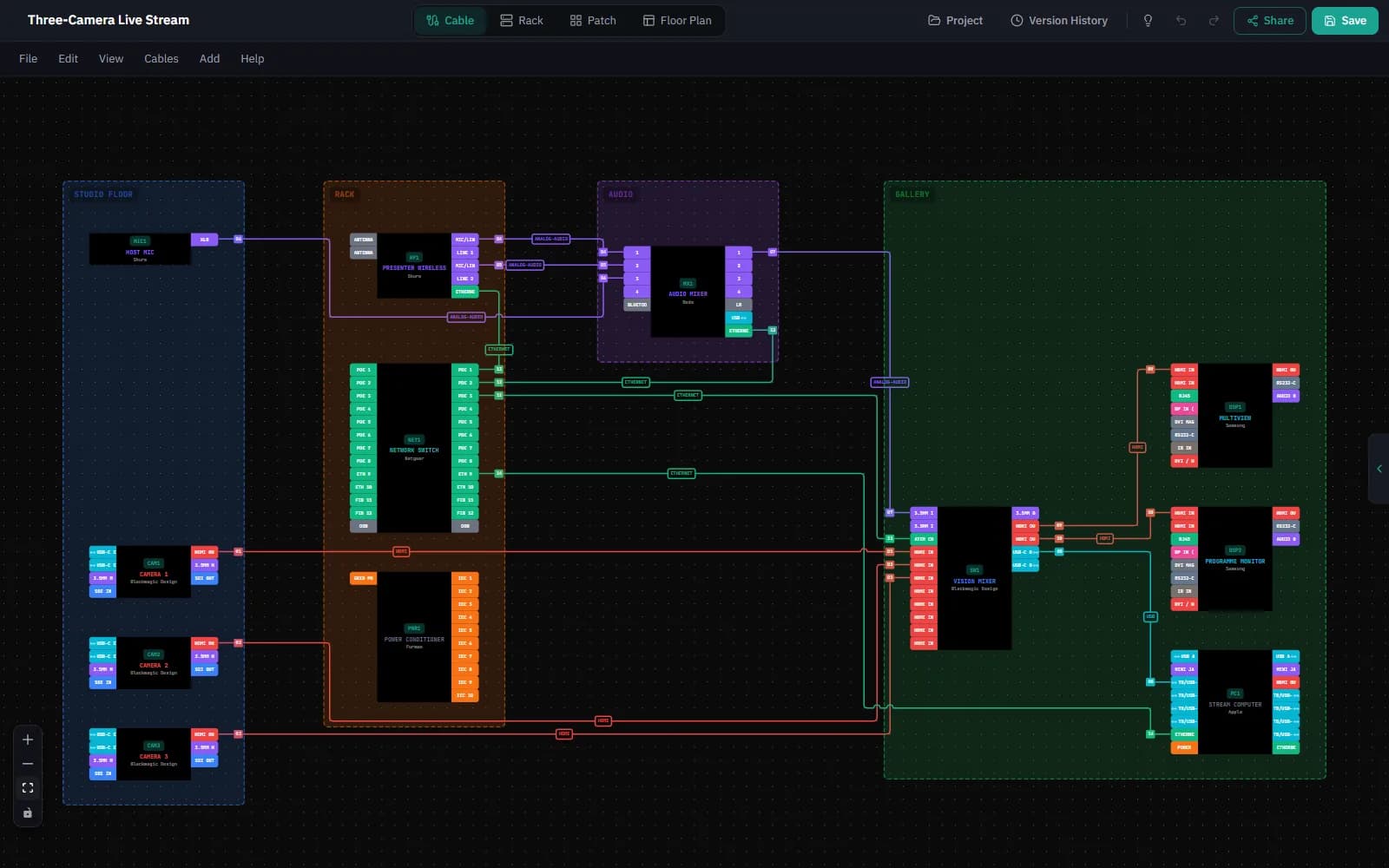
Issue revisions. See what changed.
Save a named version like "Issued for install – Rev B", pin it so it is never cleaned up, then compare any two versions device by device and cable by cable.
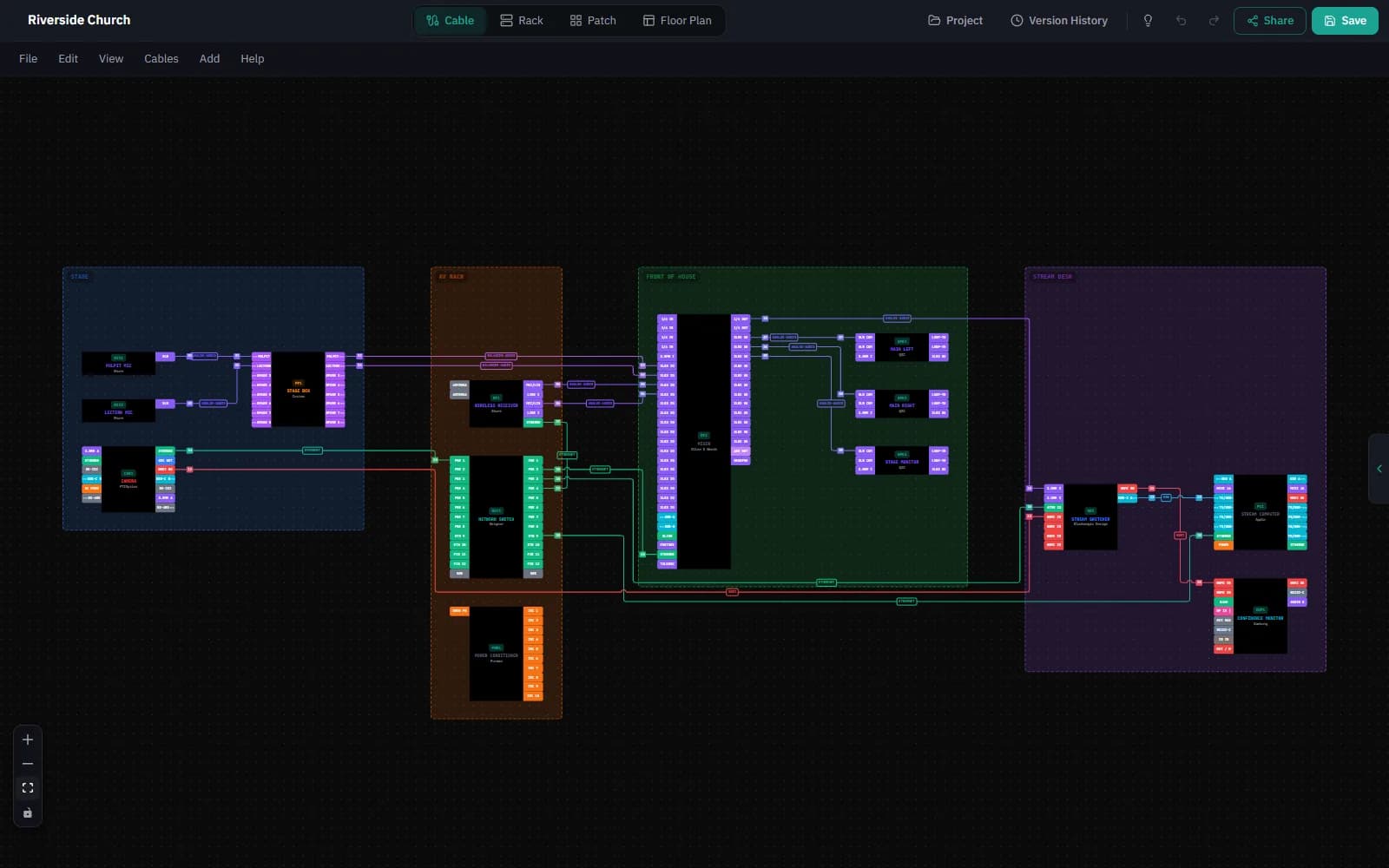
Start from a working system.
Pick a small church, a 3-camera stream, a podcast studio or a meeting room and get real library gear, numbered cables and a rack, ready to change. New accounts also get a four-step checklist that ticks itself off.
From spec sheet to drawing.
Every device page in the gear library now opens straight into a diagram: one click starts a new project with that device on the canvas, ports and all.
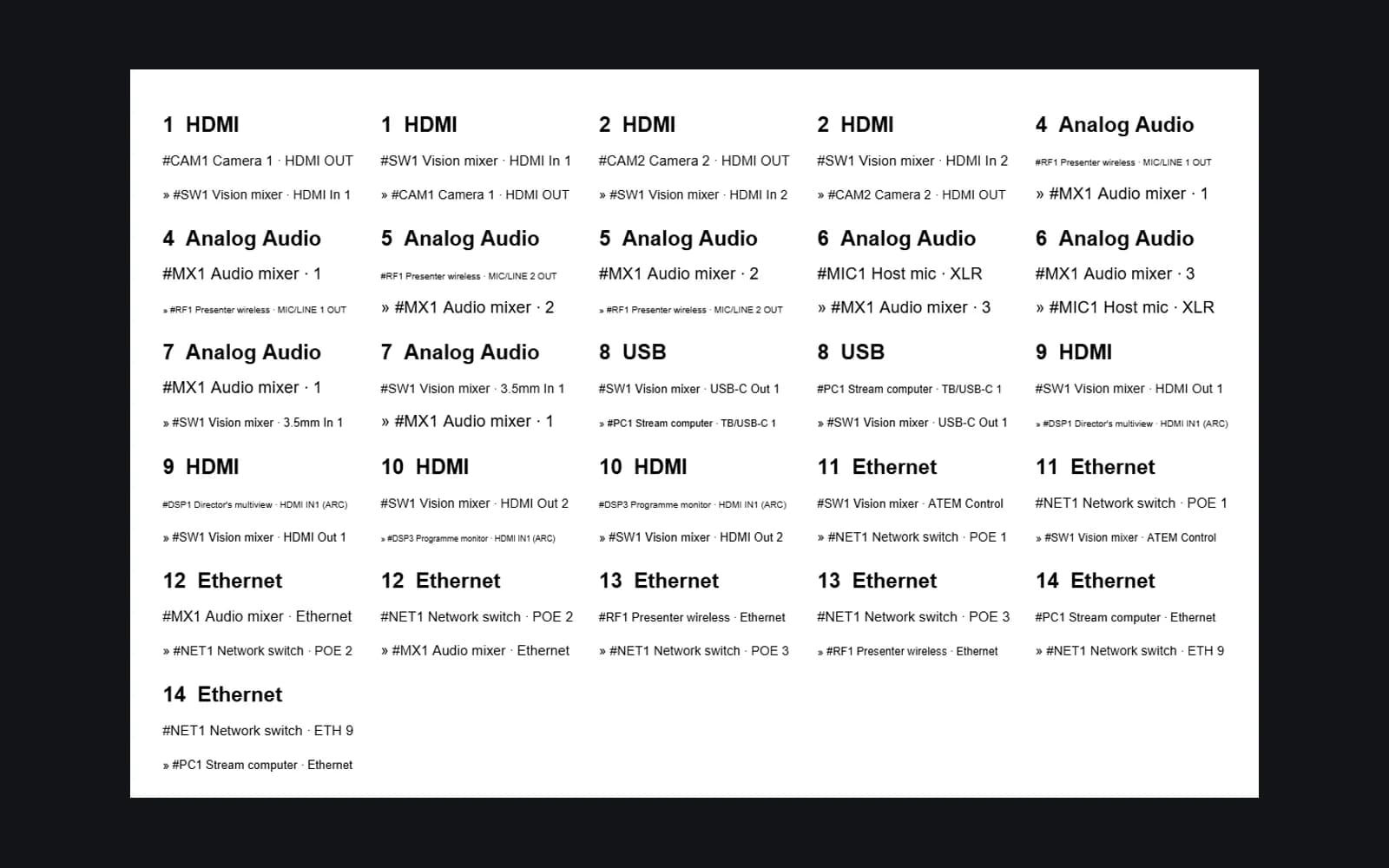
A label for each end.
Print cable labels on Avery L7651 A4 sheets or DYMO LabelWriter 11355 labels, one for each end, or export CSV for Brady Workstation and DYMO Connect. Gear numbers now appear in every export too.
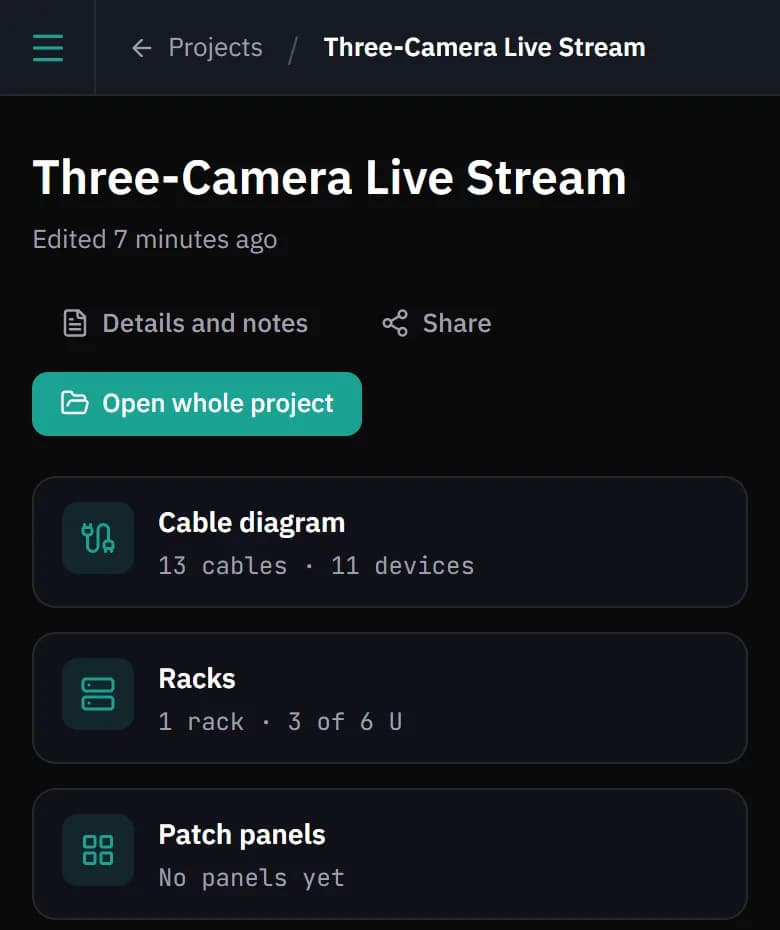
Easier on a phone.
Buttons are easier to tap and small table text is larger on phones and tablets, so signing off a job sheet on site is less fiddly.
Everything in this release
All 7 changes in Patchify 2.7, from the release notes.
New Features
- Named versions: save and pin revisions like "Issued for install – Rev B", then compare any two to see what changed
- Cable labels: print sheets for A4 (Avery L7651) and DYMO LabelWriter 11355 from the project report
- Starter projects: a small church, 3-camera stream, podcast studio or meeting room, with real gear, numbered cables and a rack
- New accounts get a short checklist that ticks itself off as you build your first diagram
- Gear library pages open the device in a new project in one click
Improvements
- Gear numbers now show in every export: Excel, CSV, DXF, job sheets and the patch list
- On phones and tablets, buttons are easier to tap and small table text is easier to read
Coming soon
Versions on the desktop app
Named versions and compare in the desktop app, working from the same project history.