Church sound and AV
Church sound and AV system diagrams
Most church systems are run by volunteers who weren't there when it was installed. A clear diagram of the sound, video and stream, plus a stage patch they can follow on a Sunday, does more for a smooth service than any upgrade. This page works through a typical small-church system and how to document it.
Written by Callum Buckley ·
30-day free trial. No credit card needed.
What does a small church sound system look like?
A digital mixer at the back of the room, a stagebox at the front, and a cable between them that carries every channel. Here is the system used through the rest of this page, for a building seating about 200:
| Area | Equipment |
|---|---|
| Stage | 16-input stagebox, 3 wireless mic receivers, lectern mic, DI boxes for keys, guitar and bass, a small drum kit with 3 mics, 2 hanging choir mics |
| Sound desk | Digital mixer, linked to the stagebox by one Cat5e/Cat6 cable |
| Room | Two main speakers, one delay speaker halfway back, two wedges |
| Band monitors | Two in-ear transmitters for the worship leader and drummer |
| Video | Two PTZ cameras, a projector for lyrics, and a TV in the overflow room |
| Stream | A stream computer taking the cameras over NDI and a mix feed from the desk over USB |
The delay speaker needs a delay time so it lines up with the mains; the free speaker delay calculator gives it from the distance.
How do you wire the stage box, FOH and in-ear monitors?
Everything on stage plugs into the stagebox, and the stagebox talks to the desk over its digital link: AES50, dSnake or Dante, depending on the mixer. Mains, delay and wedges come back out of the stagebox outputs, so no analogue multicore runs down the aisle. In-ear transmitters take two of the desk's aux mixes.
Write down which source goes to which input before anyone plugs in. This is the stage patch for the example:
| Ch | Source | Mic / DI | 48V |
|---|---|---|---|
| 1–2 | Vocals | Wireless handheld | |
| 3 | Pastor | Wireless headset | |
| 4 | Reader | Lectern gooseneck | Yes |
| 5 | Acoustic guitar | DI box | Yes |
| 6–7 | Keys L/R | DI boxes | Yes |
| 8 | Bass | DI box | Yes |
| 9–11 | Kick, snare, overhead | 2 dynamics, 1 condenser | Overhead only |
| 12–13 | Choir L/R | Hanging condensers | Yes |
| 14–15 | Playback L/R | Stereo DI from the stream PC |
How do you add a livestream or overflow feed?
Give the stream its own mix. The room mix sounds wrong online, because the room adds the reverb and the band's acoustic level that the stream doesn't hear. Send a separate aux to the stream computer, and take the cameras into it over NDI: with PoE cameras, one network cable carries video, control and power to each PTZ.
For the overflow room, send the projector's feed or the stream computer's output over HDBaseT, which runs HDMI up to about 100 m on one Cat6 cable. Check your upload speed against the stream settings with the streaming bitrate calculator.
How do I draw it so volunteers can follow it?
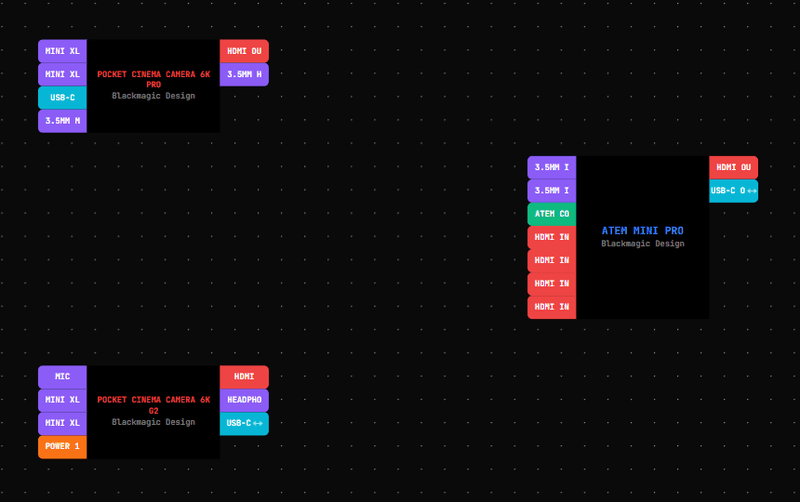
Draw the whole system in Patchify from the device library, with each area in its own zone: stage, desk, room, overflow. Each cable gets a number, so a volunteer who finds an unplugged lead can look the number up instead of guessing. Ports only connect where the signals match, so the drawing can't send the stream feed into a mic input by mistake.
What should a volunteer handover document include?
- The signal flow diagram, with cable numbers.
- The stage patch and which aux feeds which wedge, in-ear or stream.
- Where the stagebox, switches and power are, and what's on which circuit.
- A start-up and shut-down order, so amplifiers come on last and go off first.
- Who to call when something breaks.
Patchify's project report puts the diagram, cable schedule, equipment list, power and notes in one PDF. On the Pro plan, job sheets add a checklist volunteers tick through on the day, with a sign-off.
Planning the network side? See Dante network diagramsQuestions
Is Patchify too complicated for a church volunteer?
Volunteers mostly read the result, not the drawing tool: a view-only share link opens the diagram in a browser with no account, and the PDF prints. Whoever plans the system draws it once.
Can our integrator hand the drawing over to us?
Yes. They can send a view-only link to the live diagram, or the project report PDF for your records.
Our mixer isn't in the library. What then?
Search the library first; it holds more than 5,000 devices. If yours isn't there, build it as custom gear with its own inputs and outputs, which needs a paid plan.
How much does it cost?
There's a 30-day free trial with no card. After that, Starter is $15/month and Pro, with zones and job sheets, is $30/month. See pricing for the rest.
Try it on your next job
Draw the system once and get the cable schedule, rack and PDF pack from the same project.