01 · Keystone
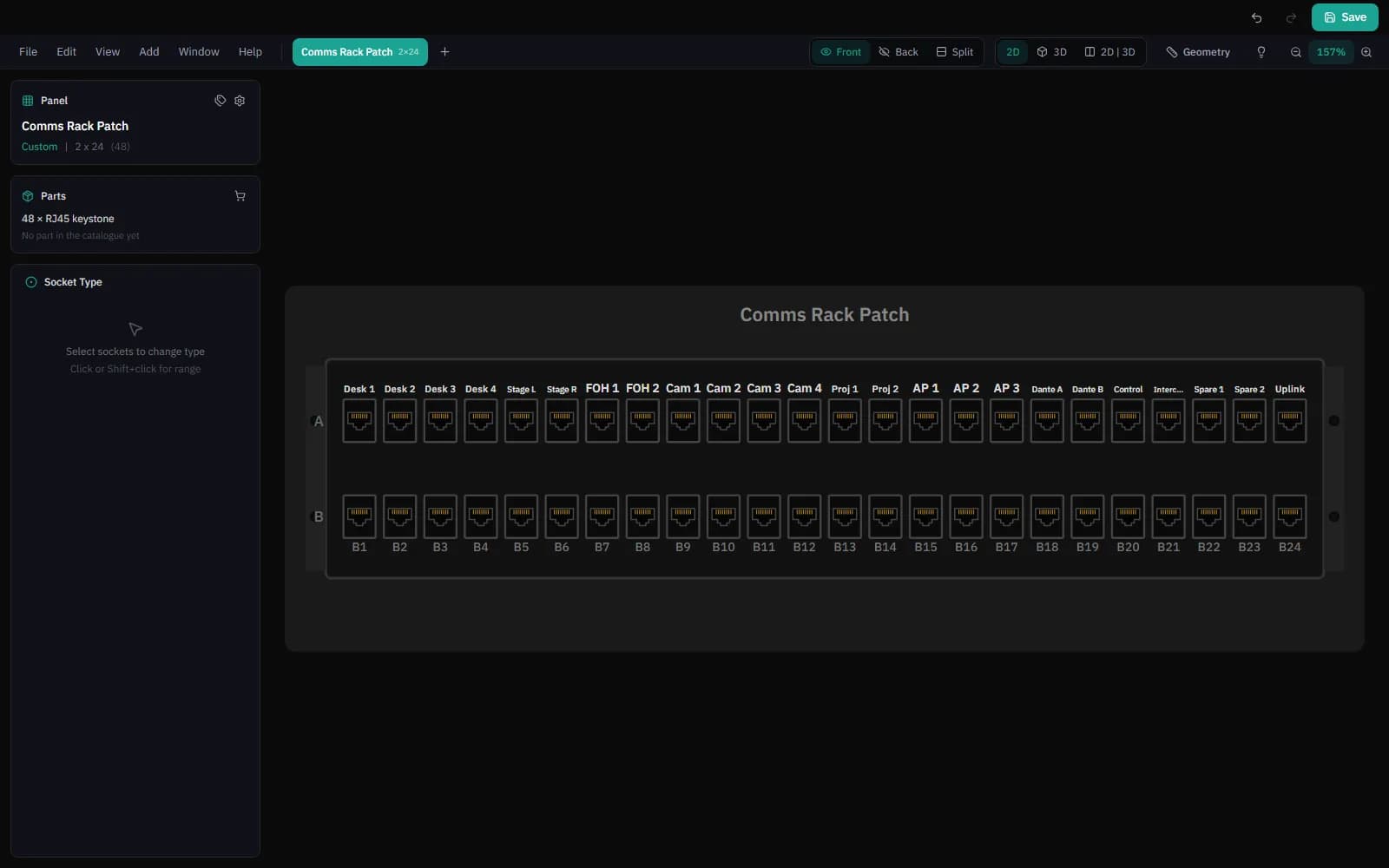
Keystone panels.
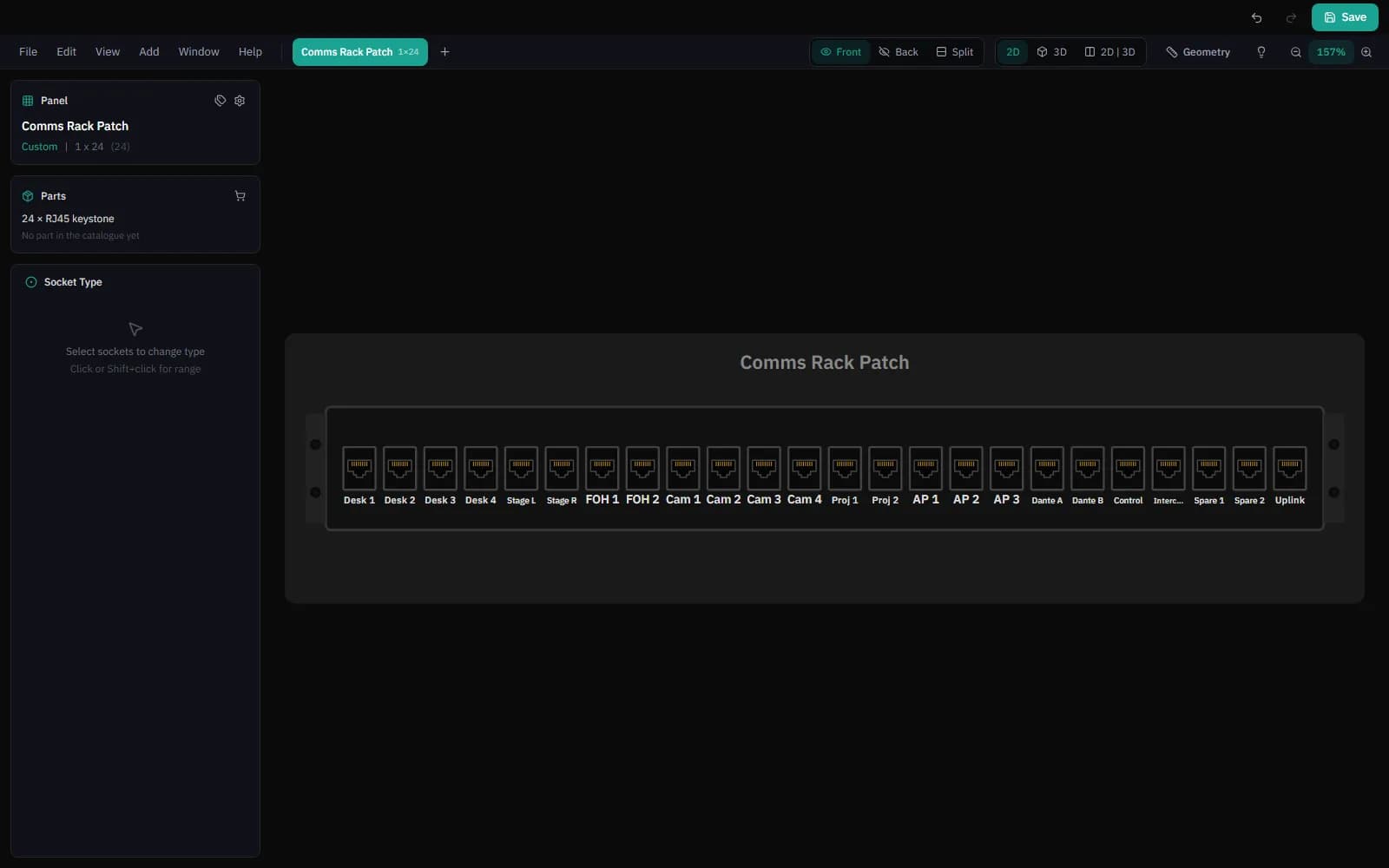
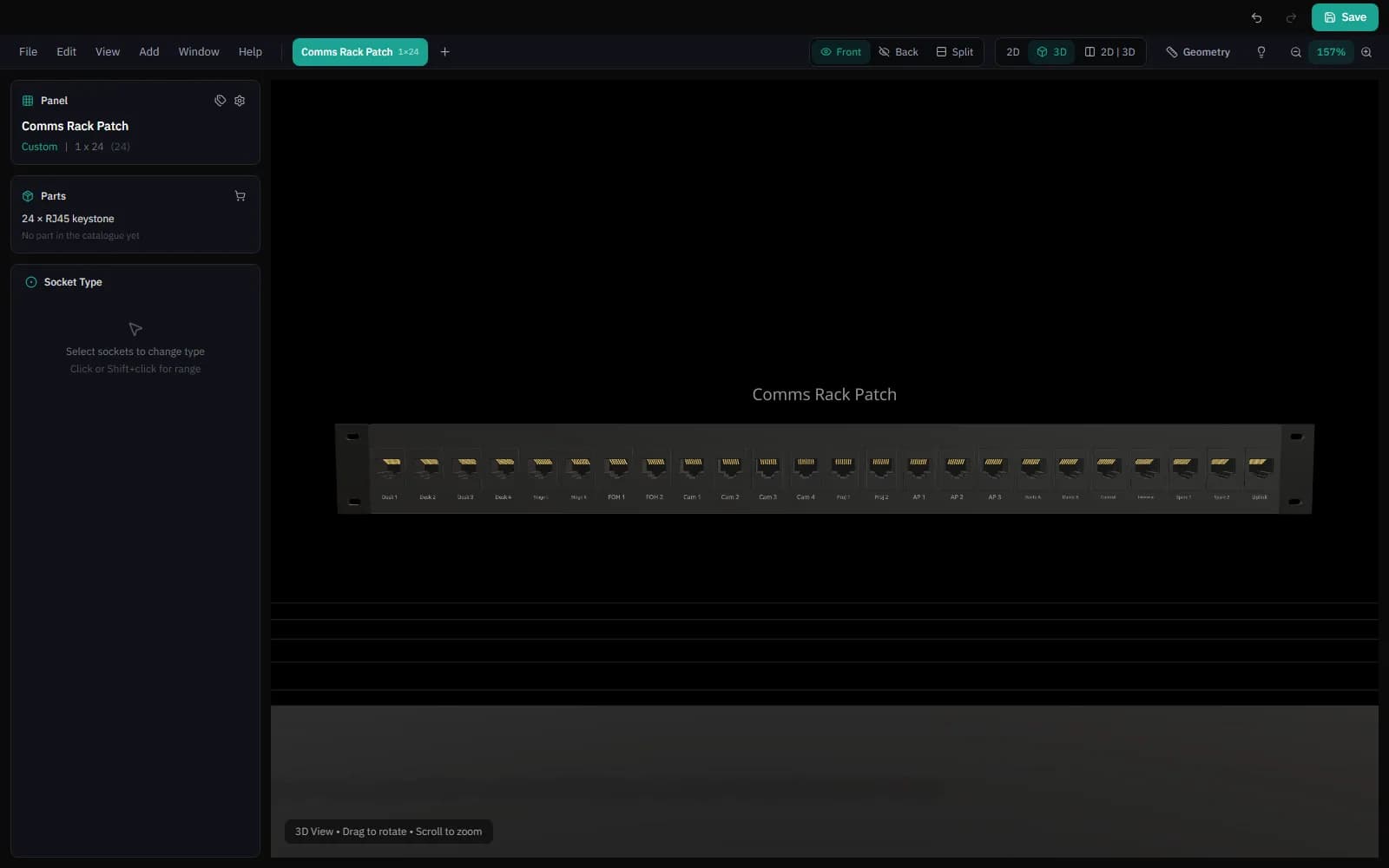
RJ45, BNC, F-type, HDMI and RCA keystone sockets, with 24 and 48-way presets. See the panel flat or in 3D.
02 · Labels
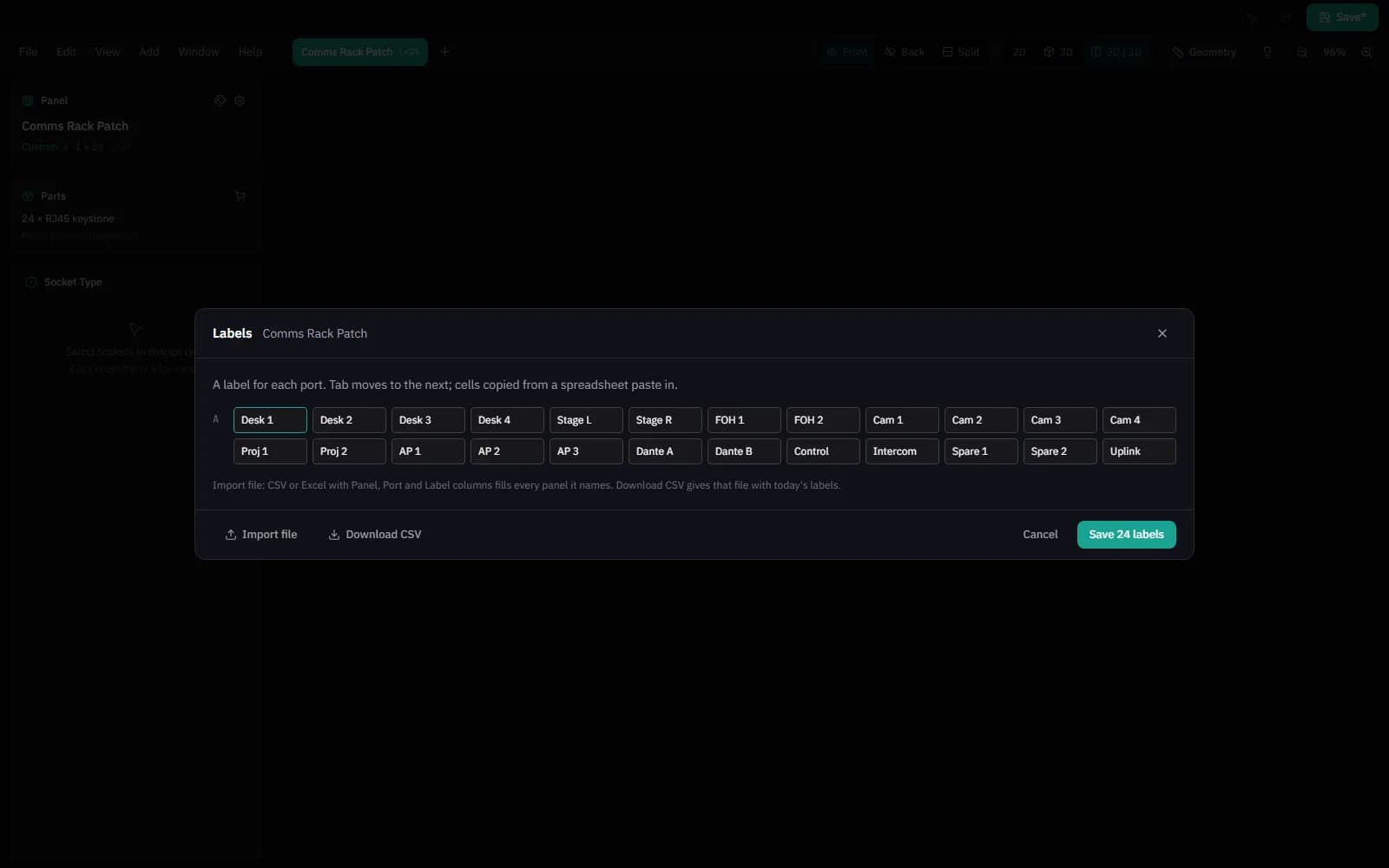
Every label on one page.
Type down the list with Tab, paste a row or column from a spreadsheet, or import a CSV or Excel file. A panel already on the diagram takes the new labels with Update from panel design, and keeps its cables.
03 · Corrections
Fix the library for everyone.
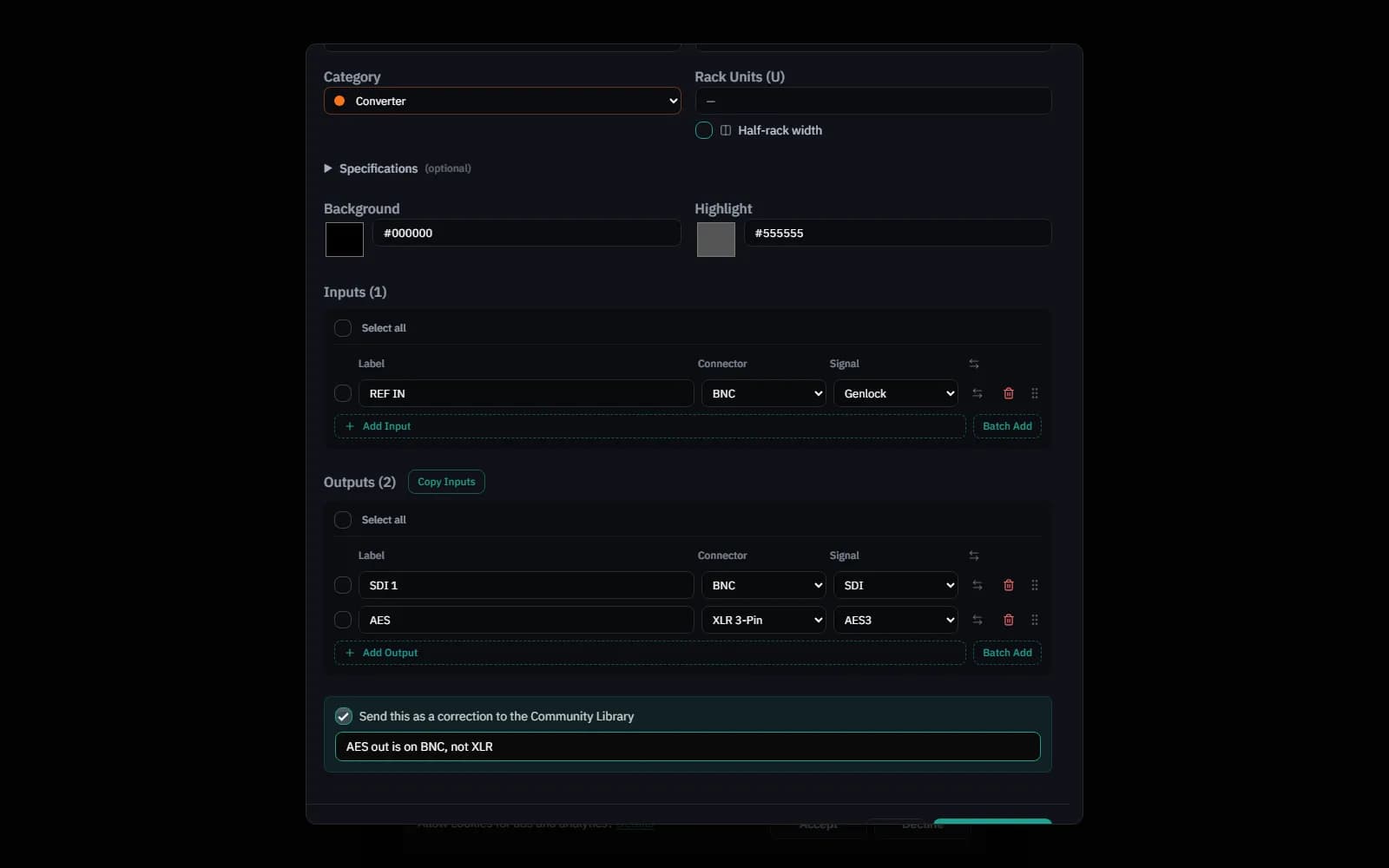
Found a wrong port on a Community Library device? Change your copy, tick Send this as a correction and say what was wrong. We review it and update the library.
04 · Rack
The rack builder in inches.
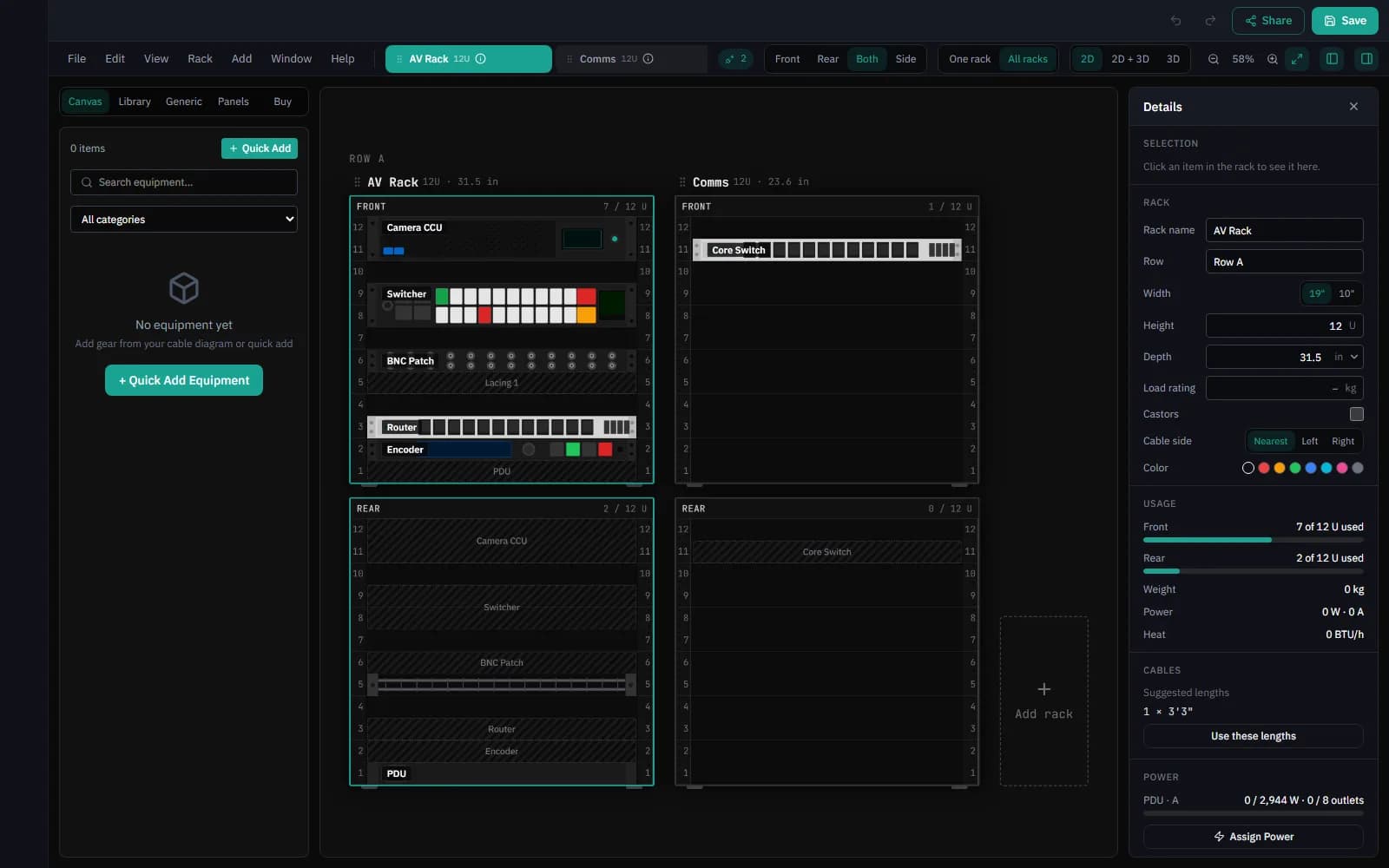
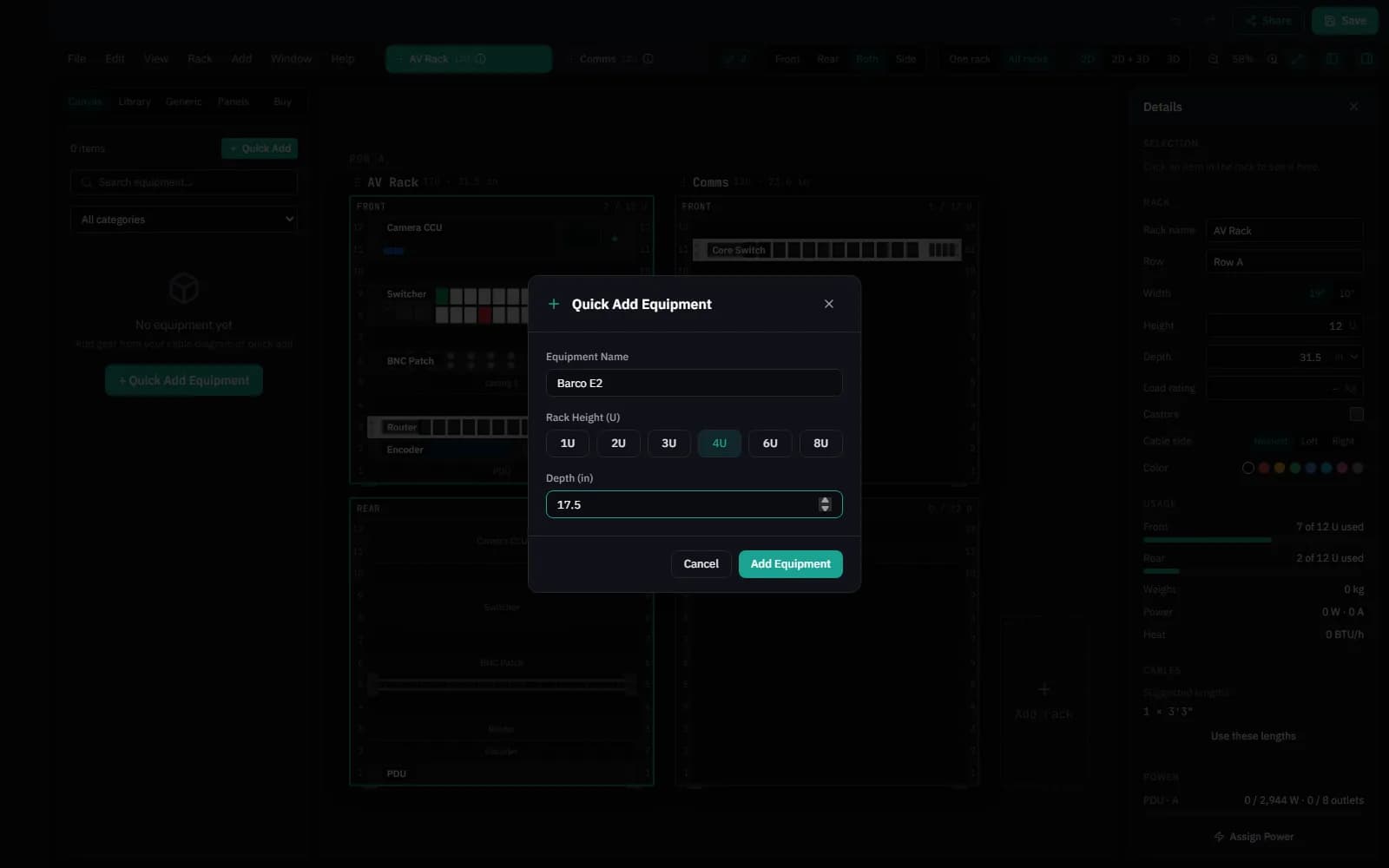
With imperial set in Settings, rack and equipment depths read and are typed in inches. Quick Add takes a depth too, so there's no going back into each item.
05 · Floor plan
A monitor for the desk.
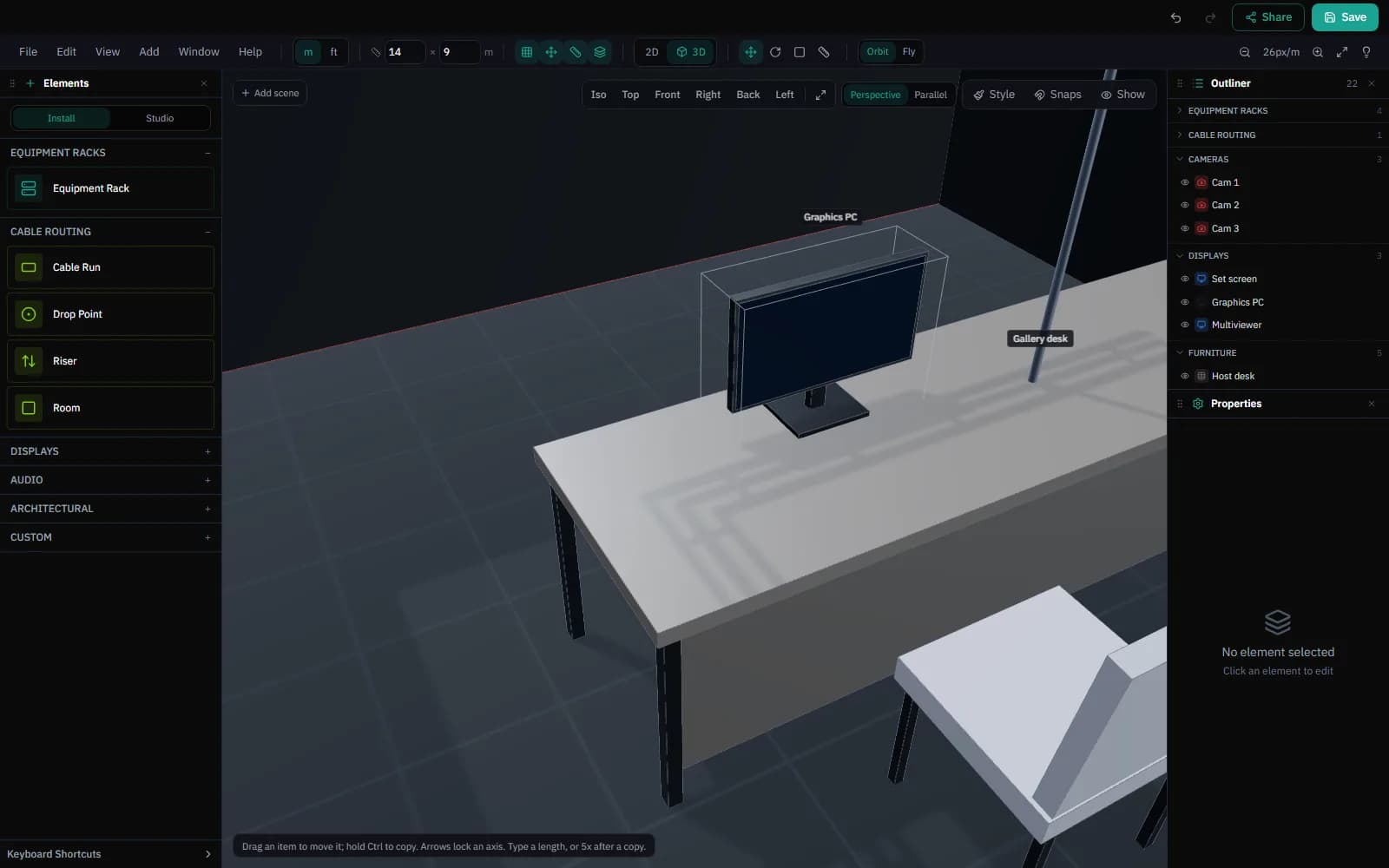
A Computer Monitor under Displays, for gallery and control room desks. It starts at desk height.
Everything else
Everything in this release
All 31 changes in Patchify 2.13, from the release notes.
New Features
8- Import custom gear from a CSV or Excel file, ports included
- Keystone patch panels: RJ45, BNC, F-type, HDMI and RCA sockets, 24 and 48-way presets, panels and parts from CPC and Newark
- Patch panel labels: every port on one page, paste from a spreadsheet, or import a CSV or Excel file
- Send a correction for a Community Library device: change your copy and tick Send this as a correction
- Right-click a patch panel on the diagram and pick Update from panel design: new labels, same cables
- Your company logo in the title block of rack and floor plan sheets
- Business buyers can add a company name and VAT number at checkout
- Floor plan: a desk Computer Monitor under Displays
Improvements
10- New folder sits next to New project
- The multi-select bar's buttons say what they do on hover
- Port names have more room: the small two-way arrow is gone
- Gear search finds a maker and model typed together, with or without the hyphen: AJA GEN10 finds the Gen-10
- A lone cable runs beside the cables arriving at the same device
- A column of names pasted from a spreadsheet labels a patch panel's ports in order
- LED wall calculator: lock width and height to keep the wall's shape
- Light canvas switch on the read-only share page
- Rack Quick Add takes a depth, so you don't have to edit each item afterwards
- Rack builder: depths read and are typed in inches when your measurement units are imperial
Bug Fixes
13- Dragging gear keeps hand-bent cables straight out of the other port
- Dragging gear no longer tilts a hand-bent cable into a diagonal, or carries its bend over the other device's port
- A cable that has to run back on itself goes round the gear instead of through it
- Devices placed close together are joined by a short jog instead of a cable tucked behind them
- Dragging a cable's first bend keeps it square
- Resizing an older zone no longer shifts its other edges
- Generic rack items have real depths: a blanking plate is a thin plate, not 350mm deep
- Cable bends next to a port drag freely again, and dragging one squares off a crooked run
- Changing a port's signal no longer renames ports you named yourself
- USB ports of every version connect both ways
- Sheet title blocks are the same size whatever the logo's shape
- Devices and their ports sit exactly on the grid, including devices stretched by a long name or notes
- Right-click menus on the cable diagram always fit on screen, however short the window