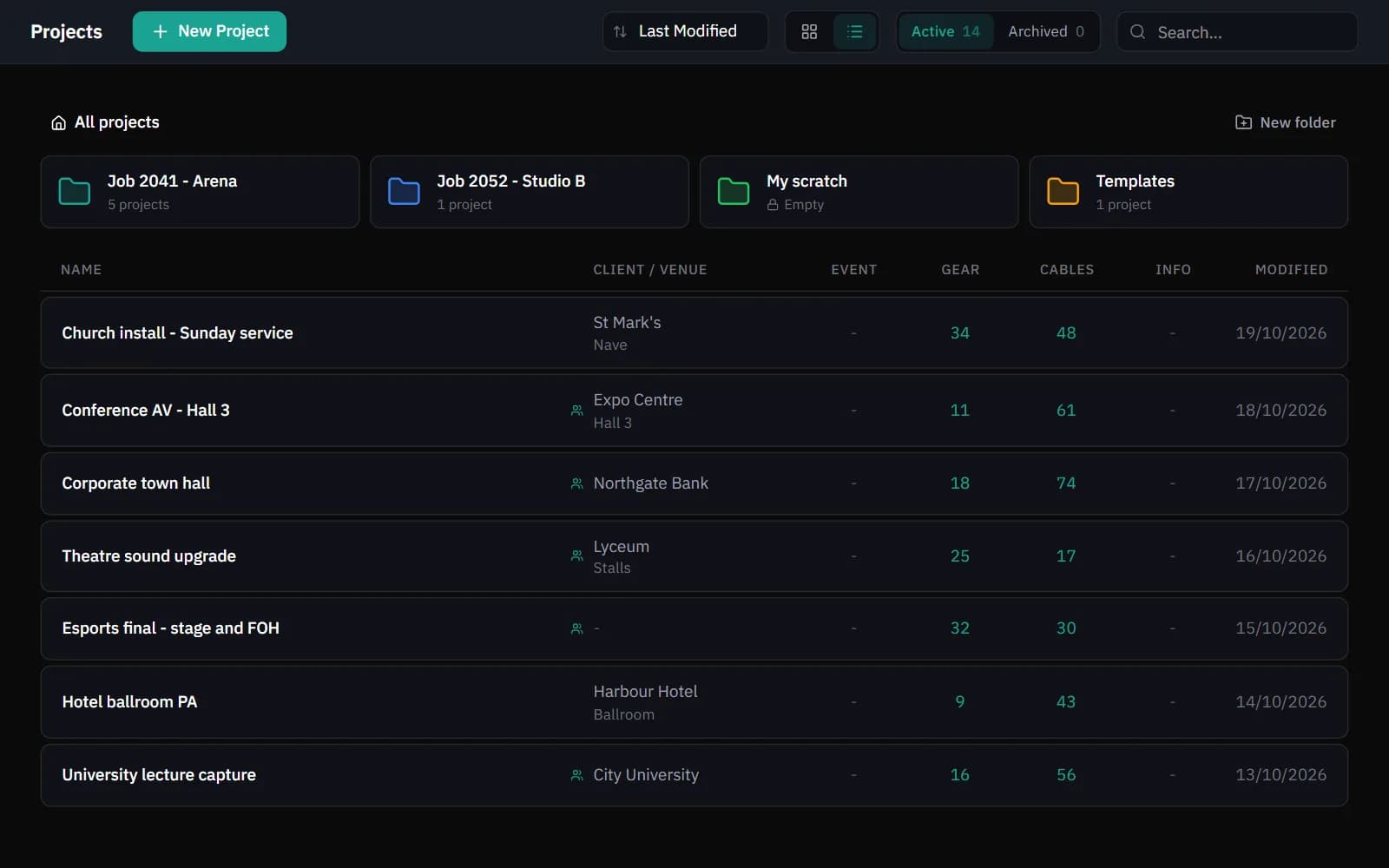
01 · Folders
Sorted like your desktop.
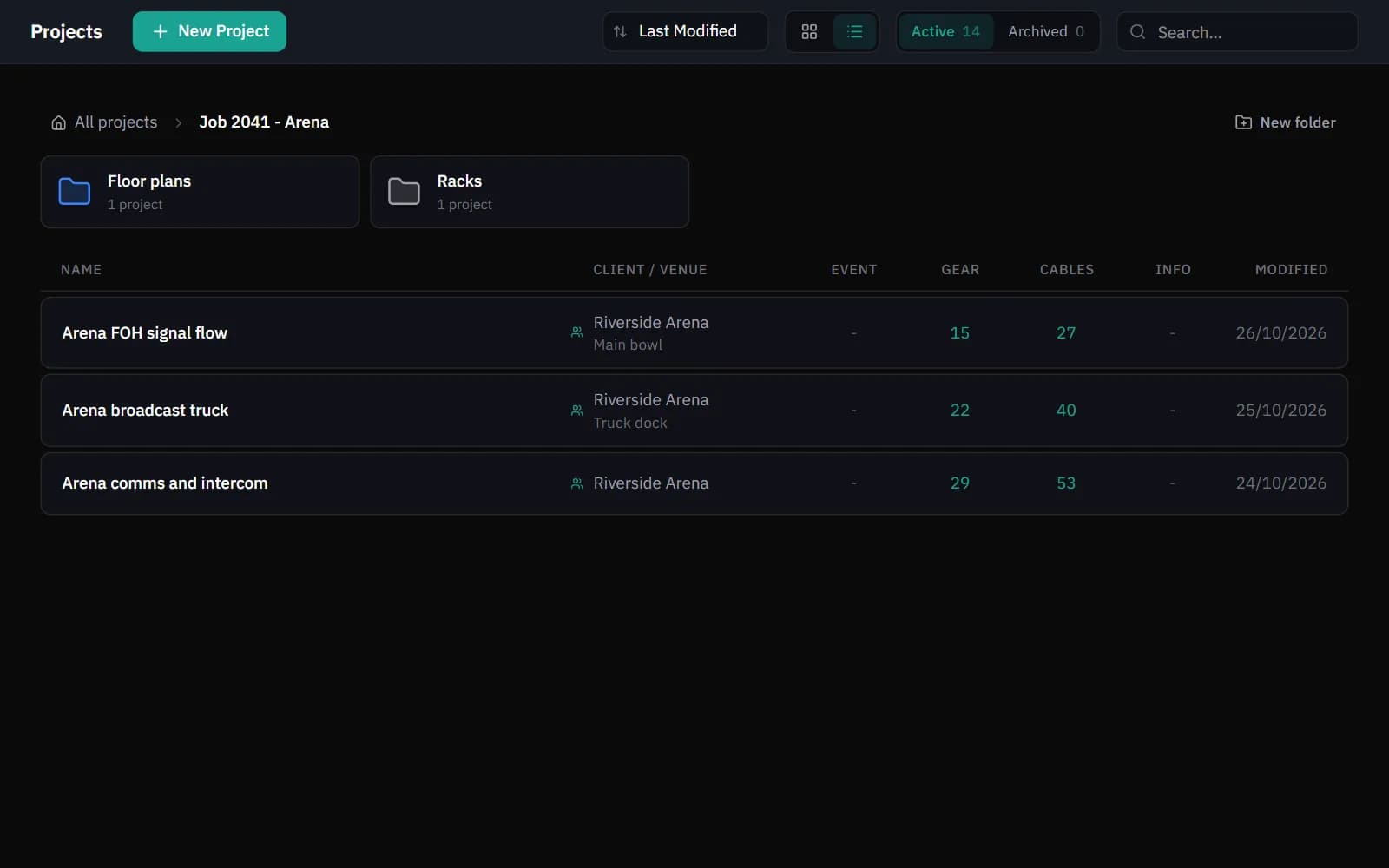
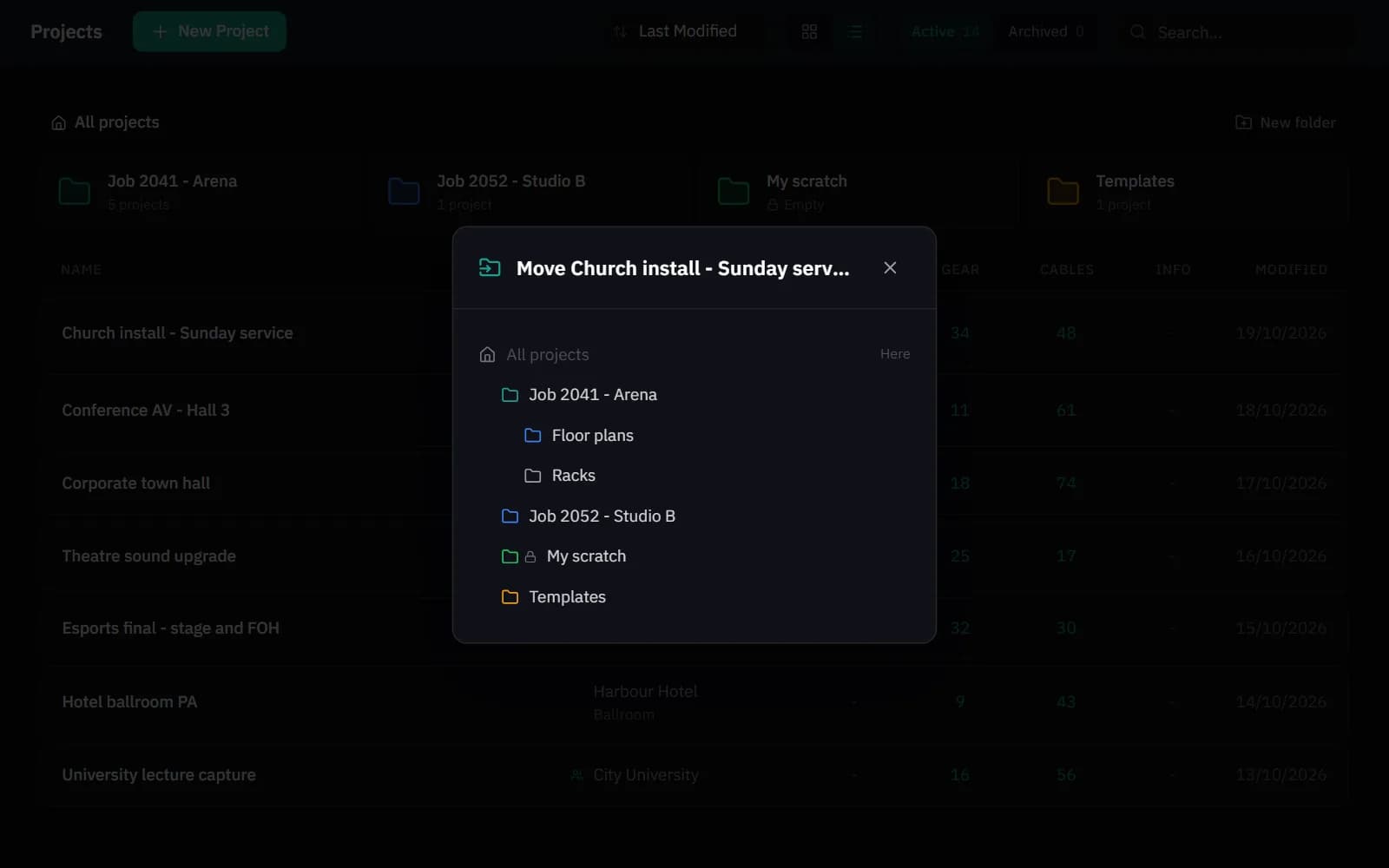
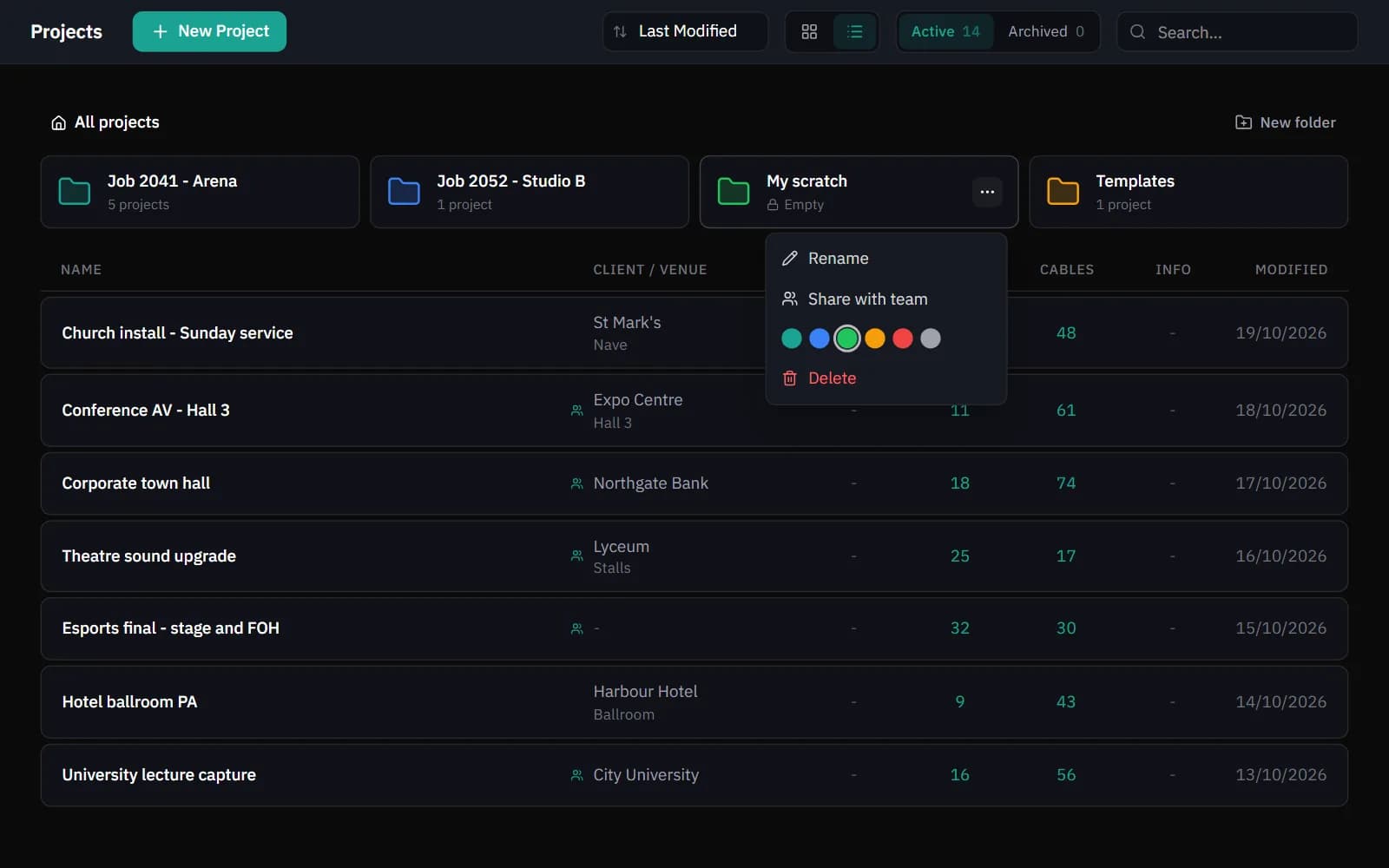
Drag projects onto a folder, open it, and make folders inside it. Give each one a colour. Search still looks through every folder and shows where each project lives.
02 · Team
One master for the team.
Team folders are shared with everyone on the team. Private folders, marked with a lock, are only yours. Teammates can now duplicate each other's team projects, so a master in a Templates folder is where every new job starts.
03 · Insert
Drop it in. The rest moves down.
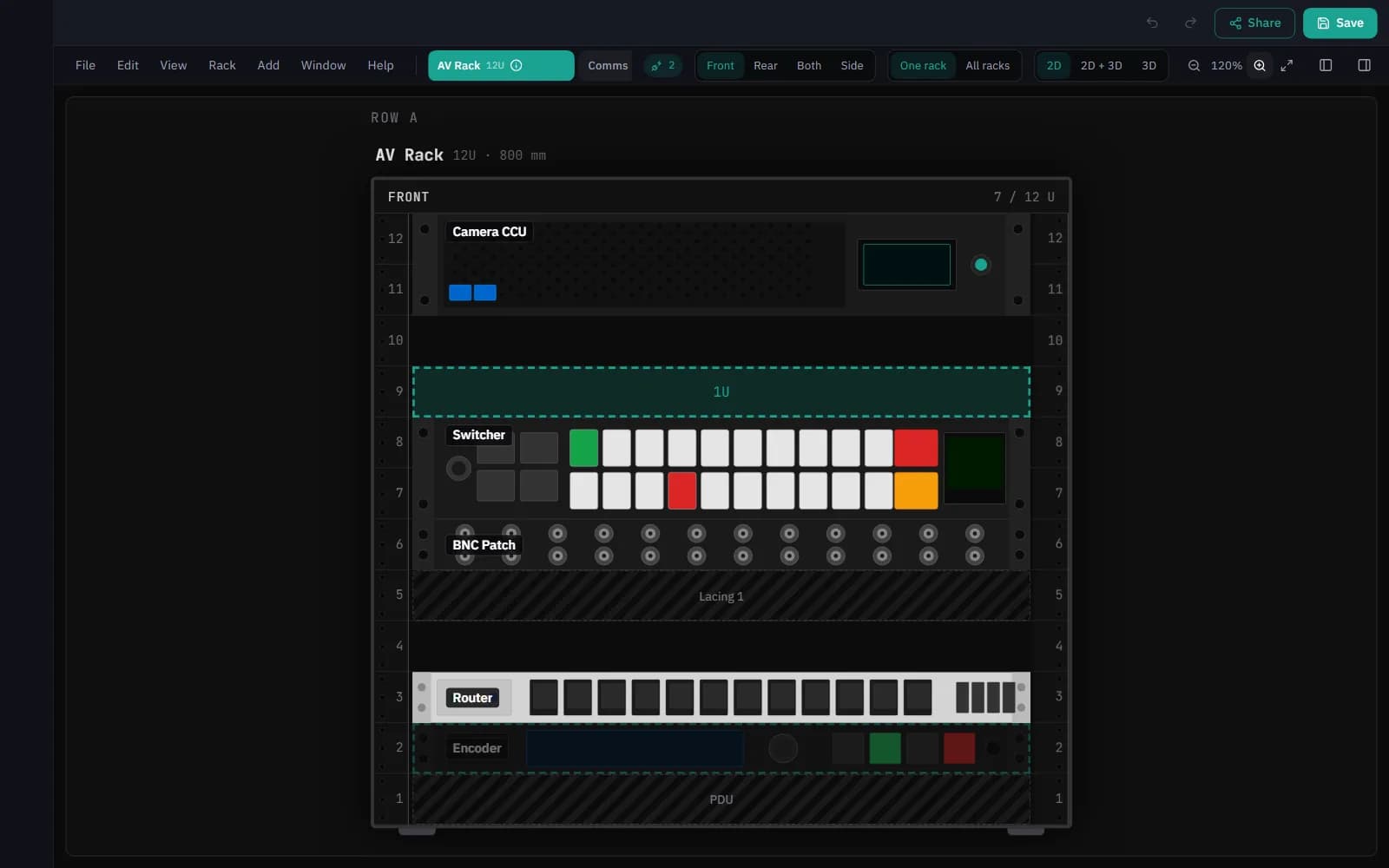
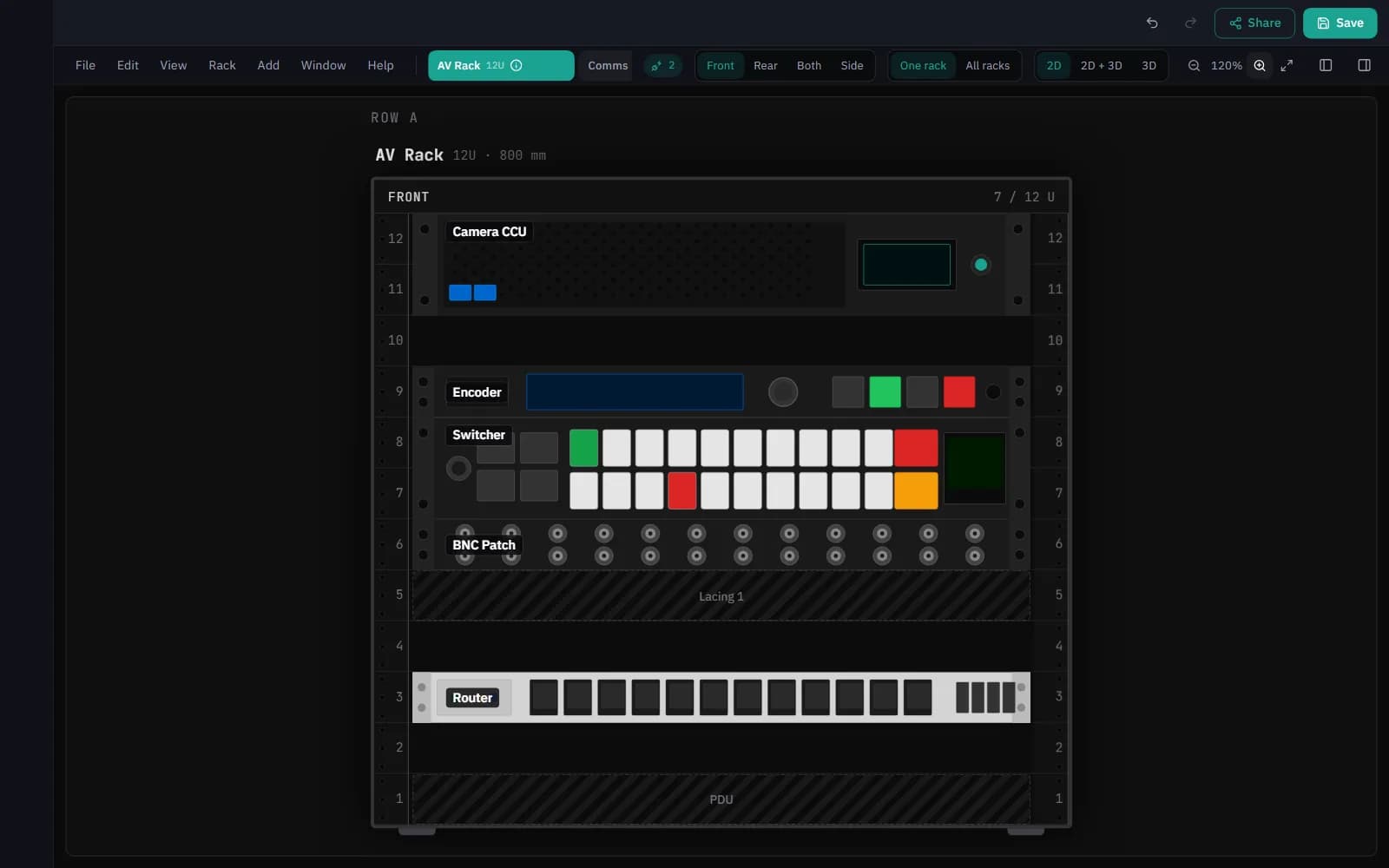
Drop gear onto a slot that's already used and it goes in there. Everything below moves down to make room.
04 · 3D
A real cabinet in 3D.
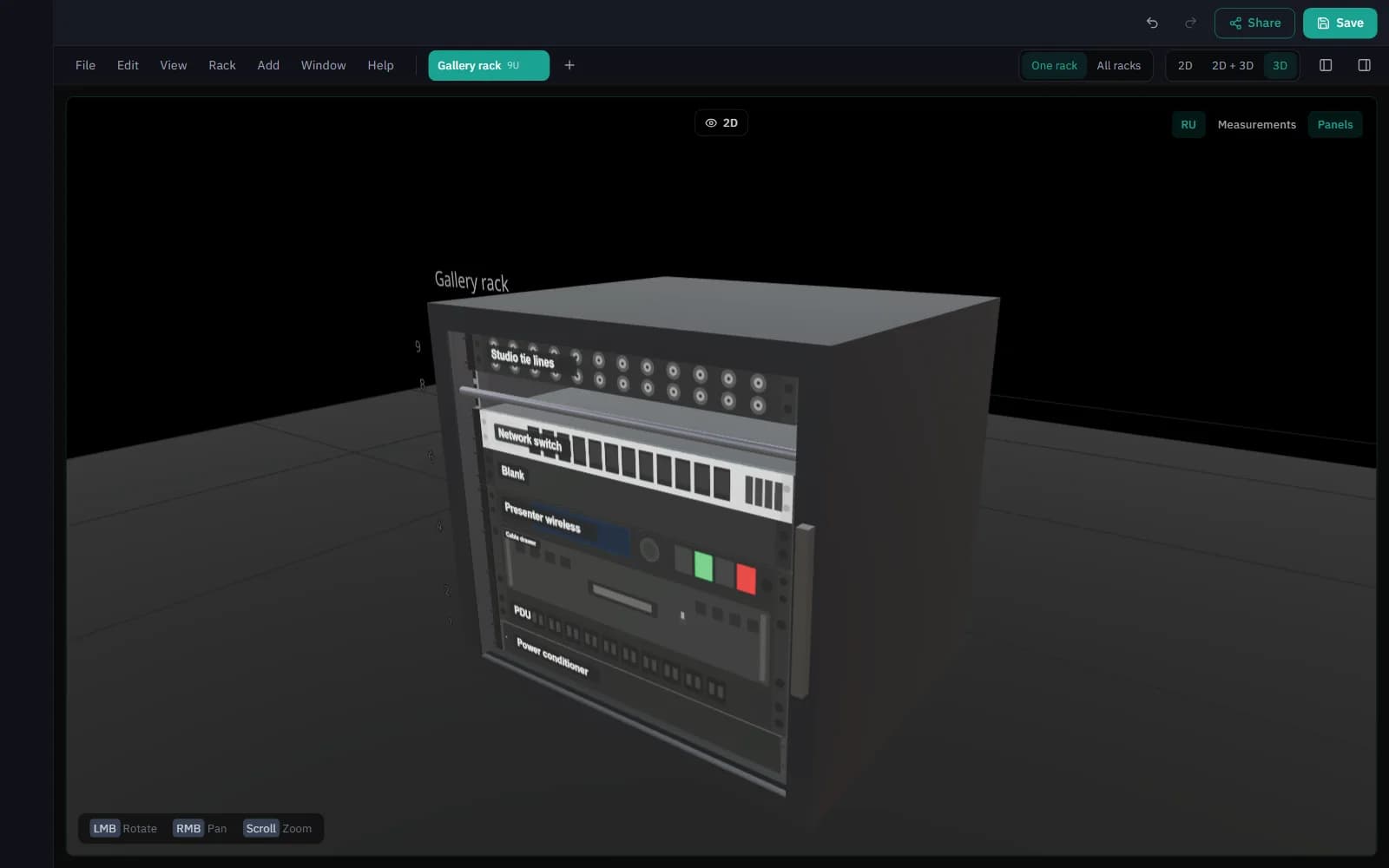
Slim posts, punched rails and the gear's faceplates. Show the side panels and doors to see the finished cabinet, or hide them to see inside.
05 · Labels
Labels for the door.
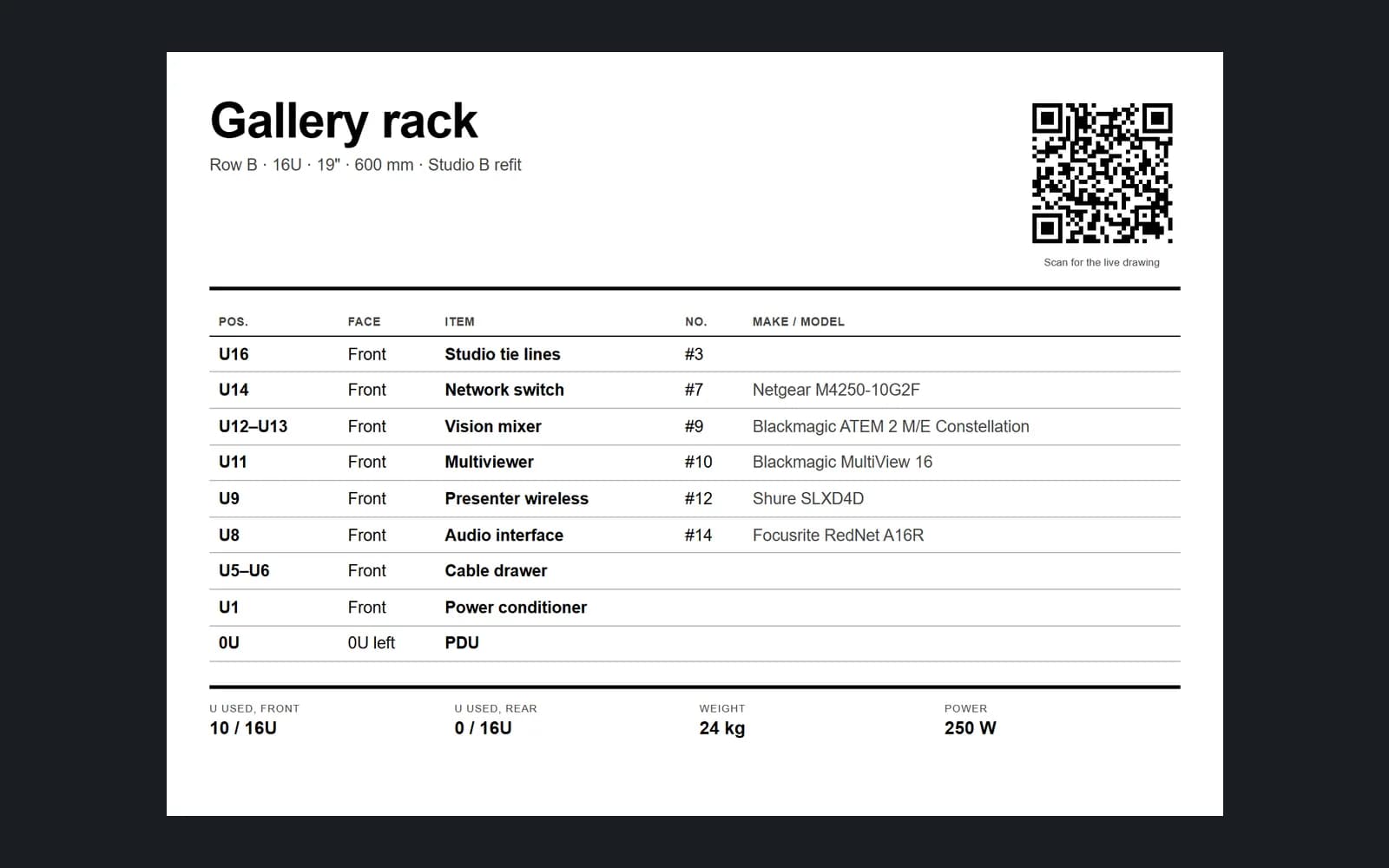
File ▸ Door Labels prints what's in each rack, top to bottom, with a QR code to the live drawing. Equipment Schedule exports every device as a CSV, and the DXF export draws each rack at 1:1 on layers. Rack screws and cage nuts now go on the bill of materials.
Everything else
Everything in this release
All 13 changes in Patchify 2.12, from the release notes.
New Features
8- Folders on the Projects page: folders inside folders, colours, and drag projects onto them
- Team folders the whole team shares, and private folders only you see
- Drop gear onto a used slot in a rack to insert it; the gear below moves down
- The 3D rack is a real cabinet: slim posts, punched rails, and side panels and doors you can show or hide
- File ▸ Door Labels (PDF): a label for each rack door with what's inside and a QR code to the live drawing
- File ▸ Equipment Schedule (CSV): each device's rack, position, face, make, model, depth, power and weight
- File ▸ DXF draws each rack's front, rear and side at 1:1 in millimetres, on layers, with a title block
- Rack screws and cage nuts for everything on the rails are added to the bill of materials
Improvements
4- Teammates can duplicate each other's team projects, so one master project can be the team's template
- Search on the Projects page shows which folder each project is in
- The rack builder fits laptop screens: front and rear stack when that draws them bigger, and panels float on narrow screens
- Rear sockets show only where a cable is plugged in, in tidy rows
Bug Fixes
1- Name tags no longer cover faceplates in the rack