01 · Drawings
Drawings for the workshop.
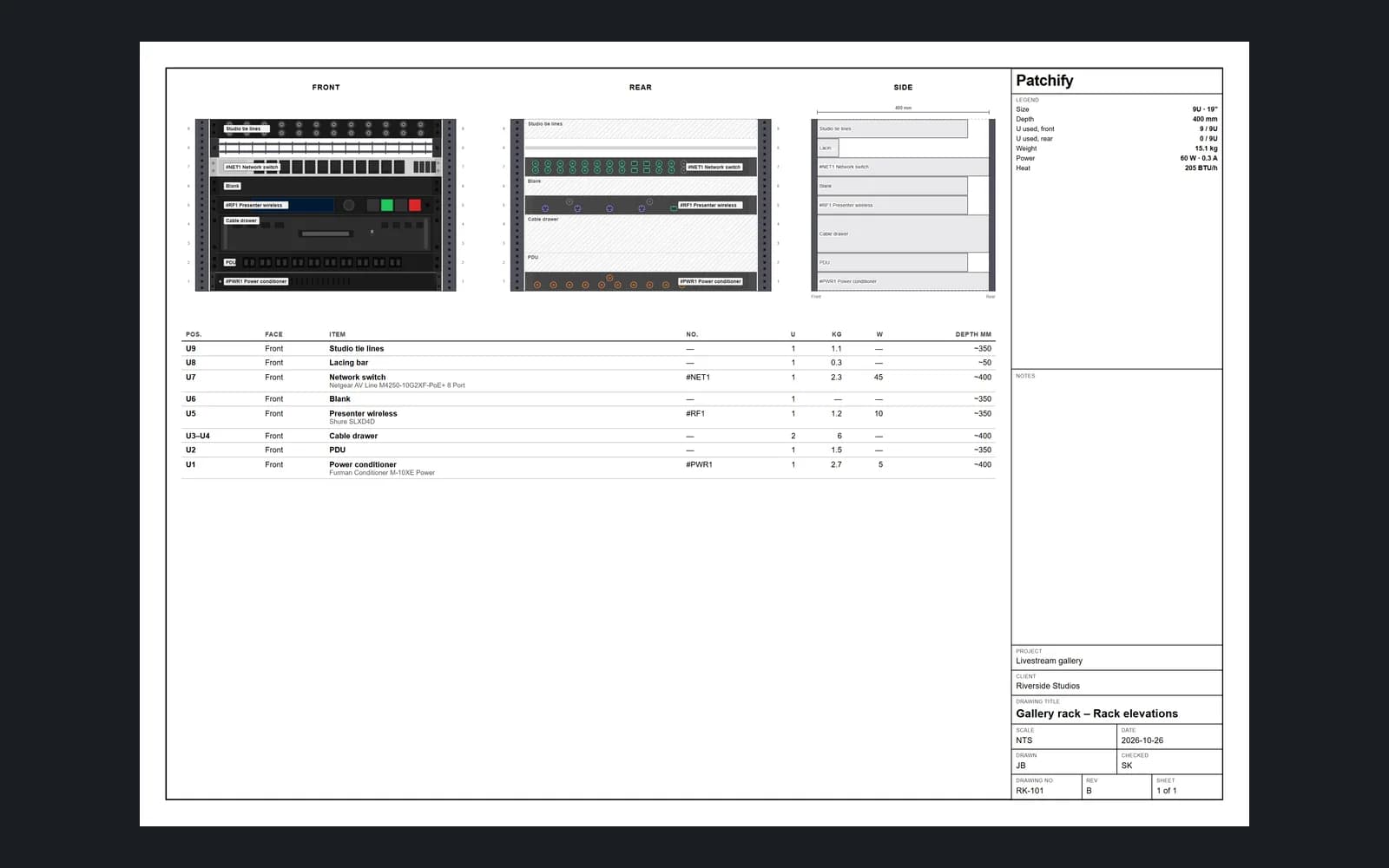
File ▸ Rack Drawings makes a PDF per rack: front, rear and side elevations, the equipment schedule and a title block with drawing number, revision and who drew and checked it. The Project Report's rack pages now show the real faceplates too.
02 · Side view
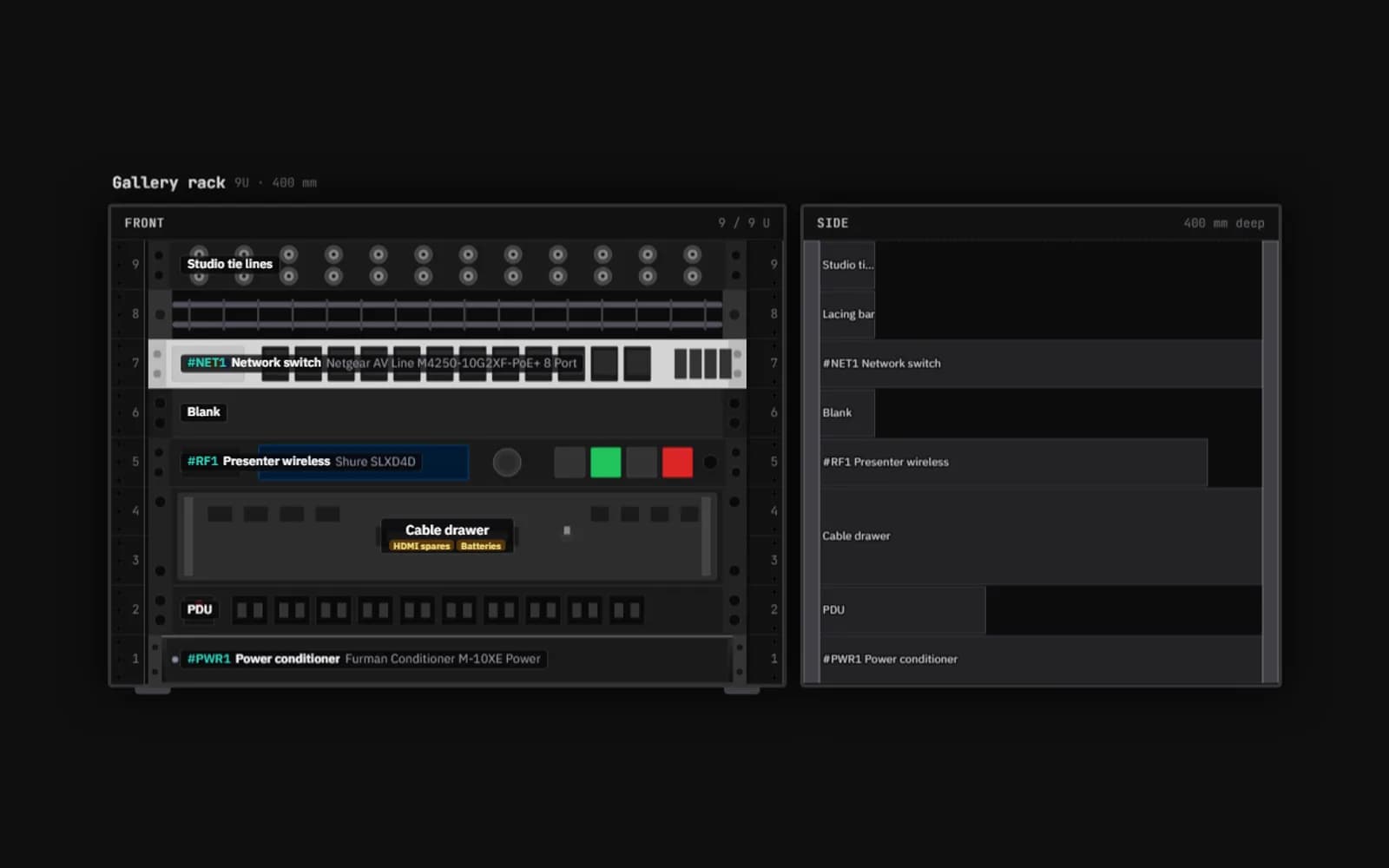
See the depth.
Side view shows how far each device runs back from the face it's fixed to. Front and rear gear that meet in the middle are outlined in red.
03 · 3D
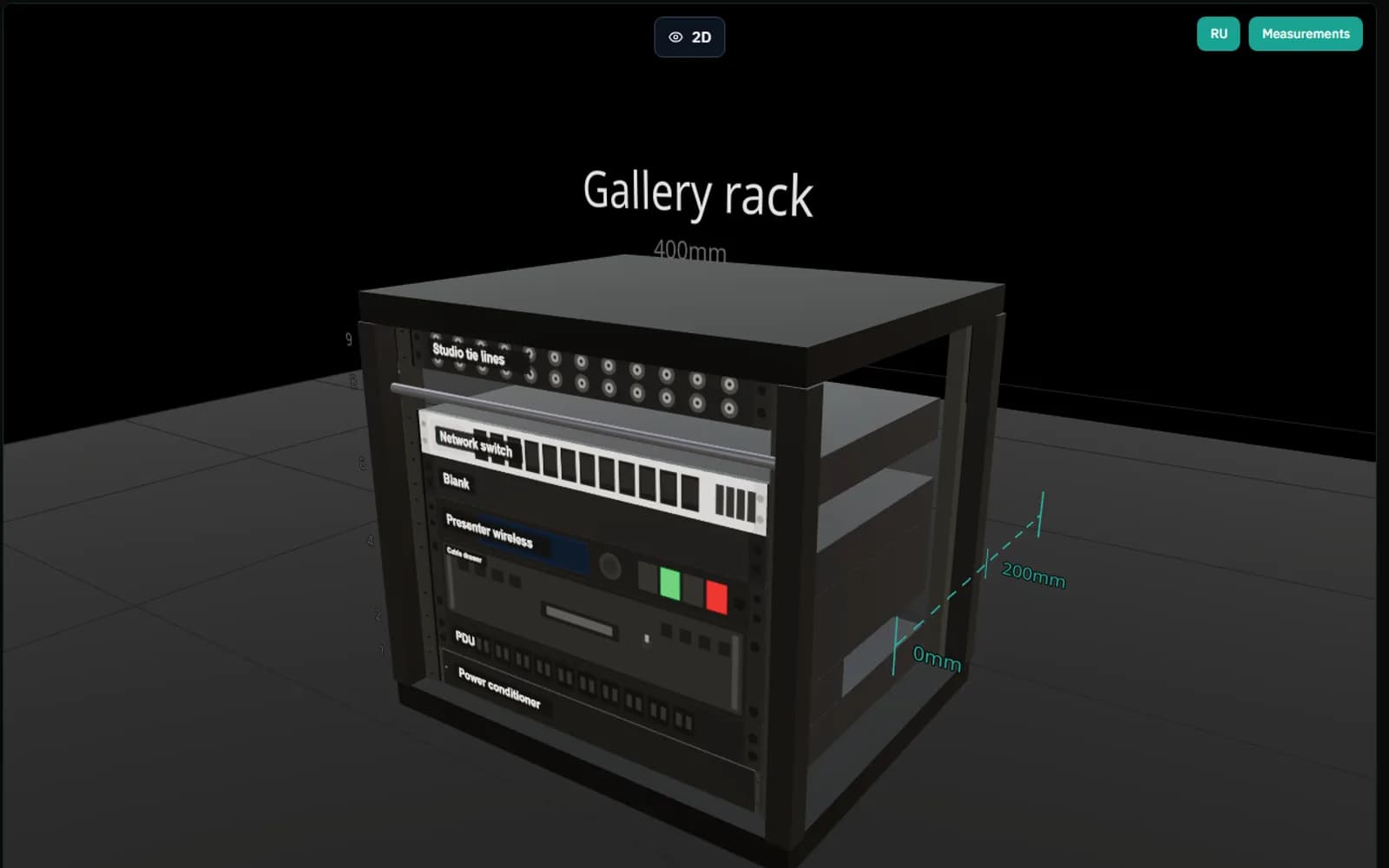
Faceplates in 3D.
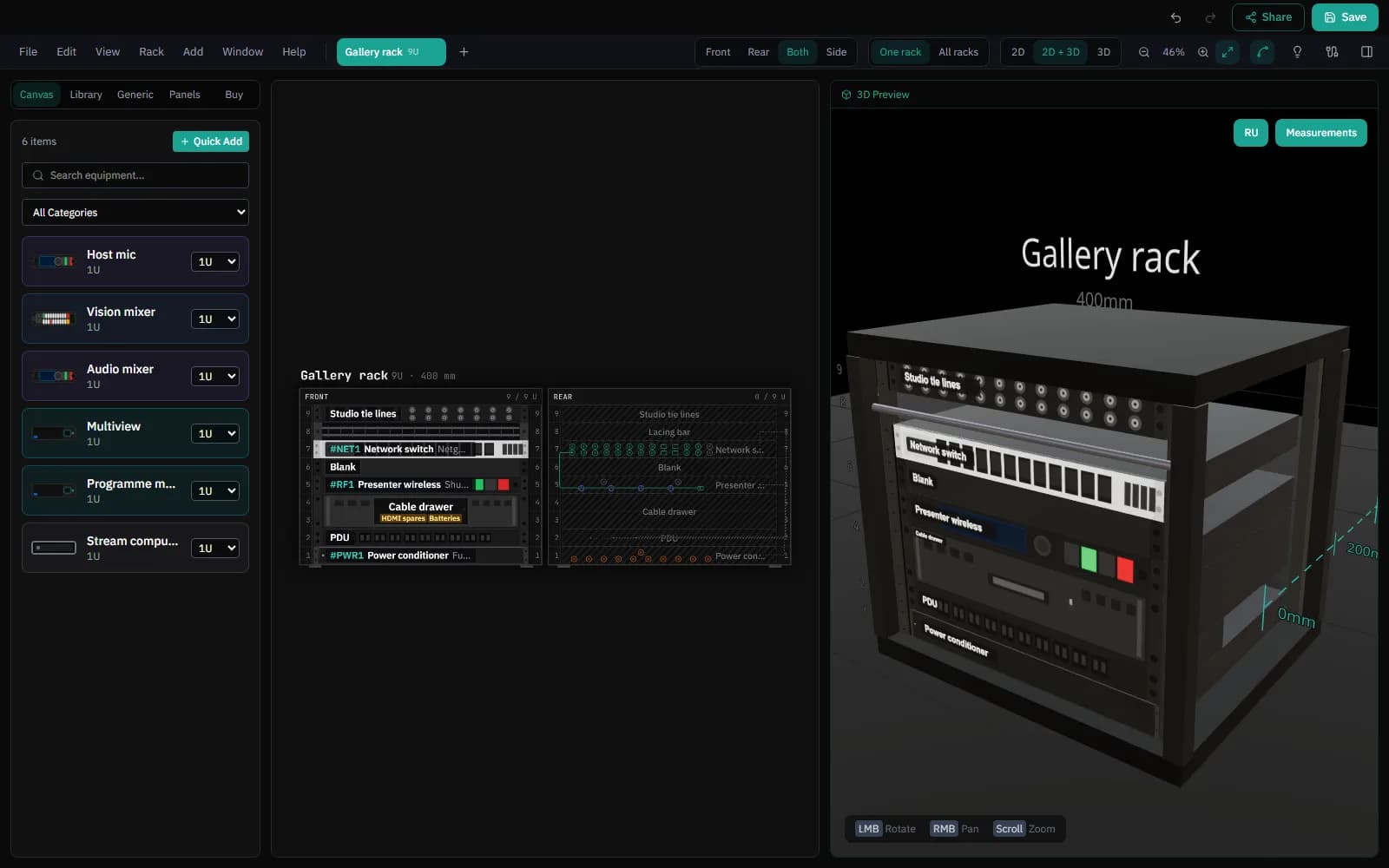
The 3D rack uses the same faceplates as the 2D drawing, each with its name, and frames the rack to its size.
04 · Blanks
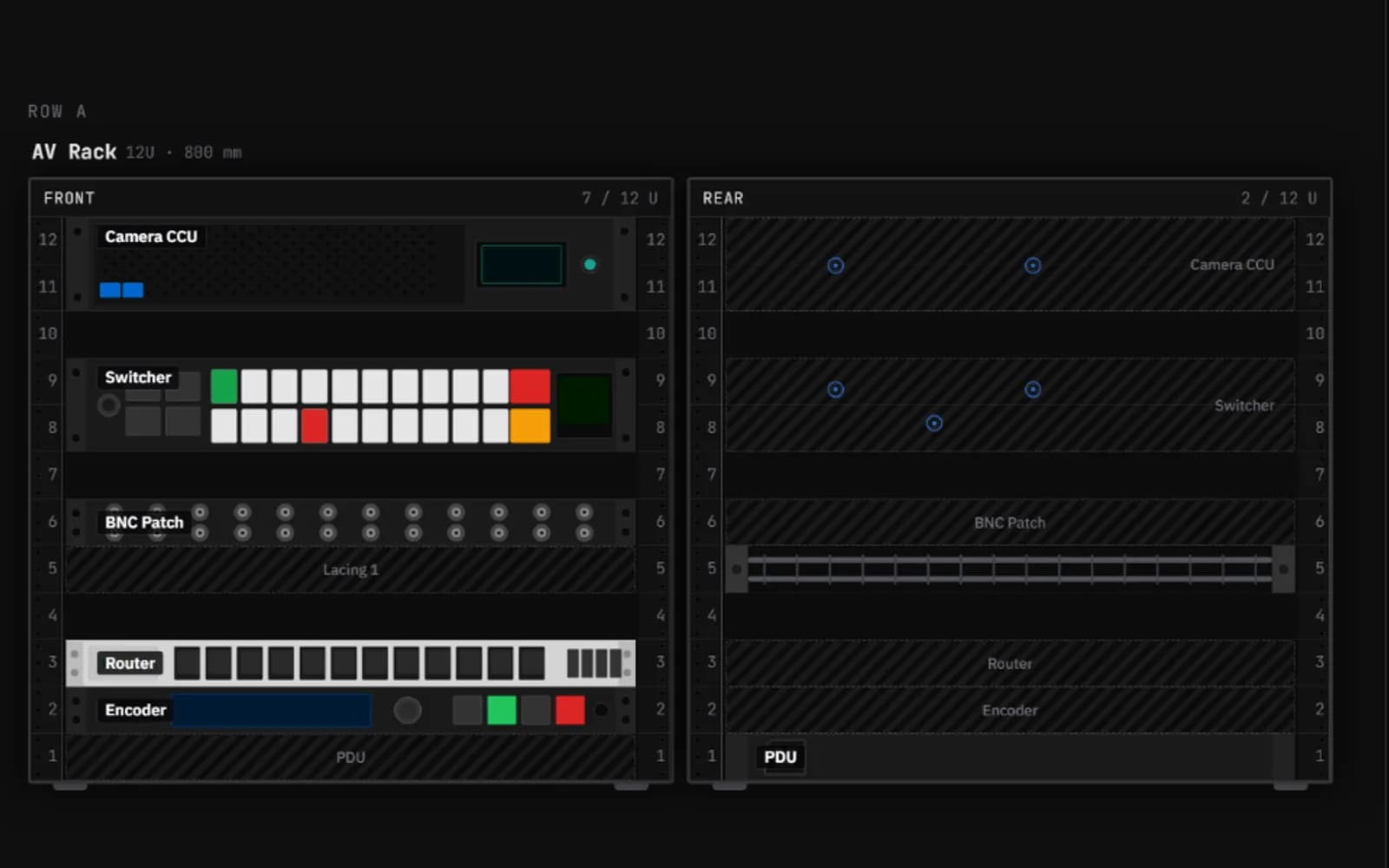
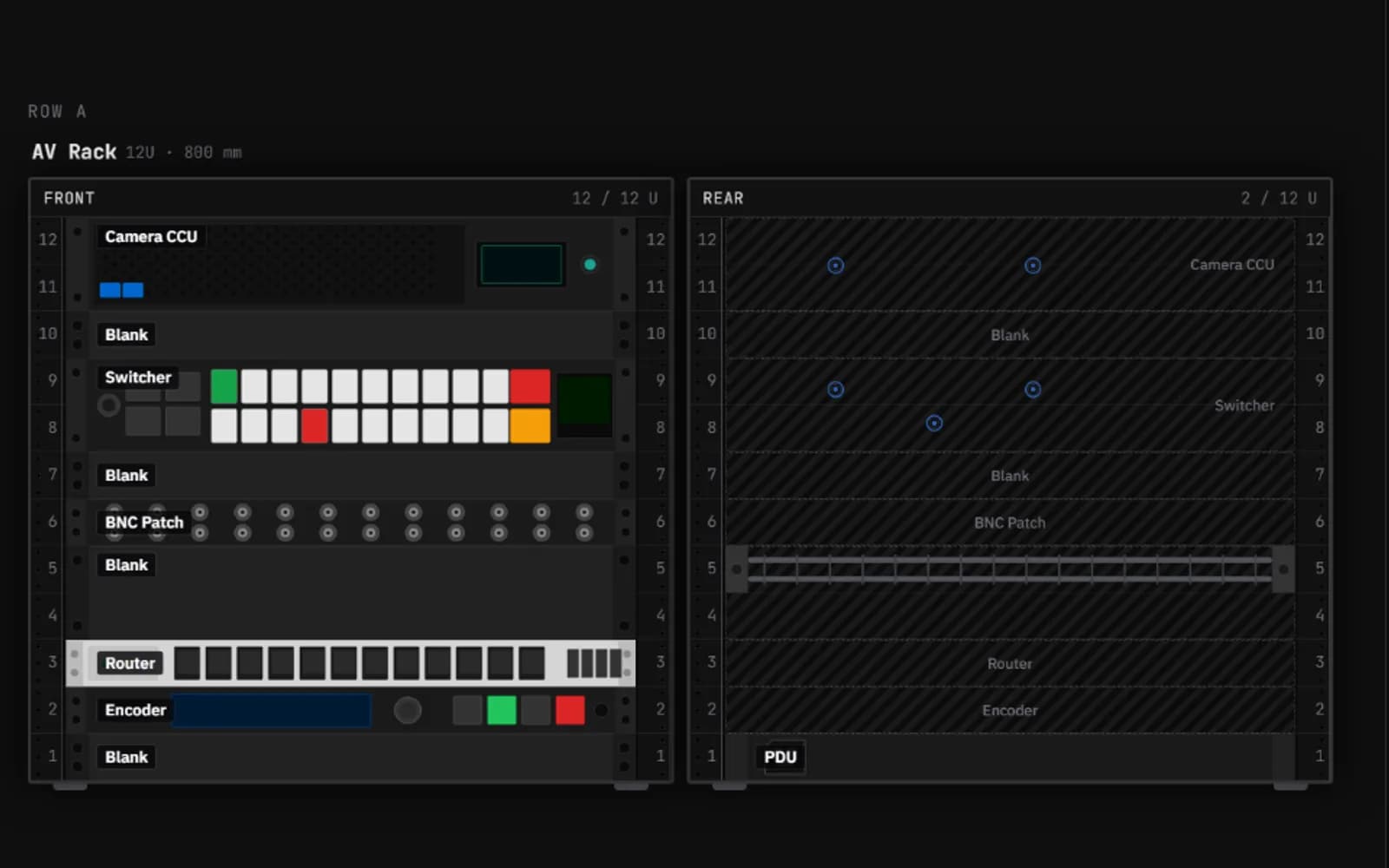
Blanks in one click.
Rack ▸ Fill Gaps with Blanks fills every empty unit, largest panels first, with a vent straight above gear that runs hot. The panels go on the bill of materials.
05 · Faster
Less clicking in the rack.
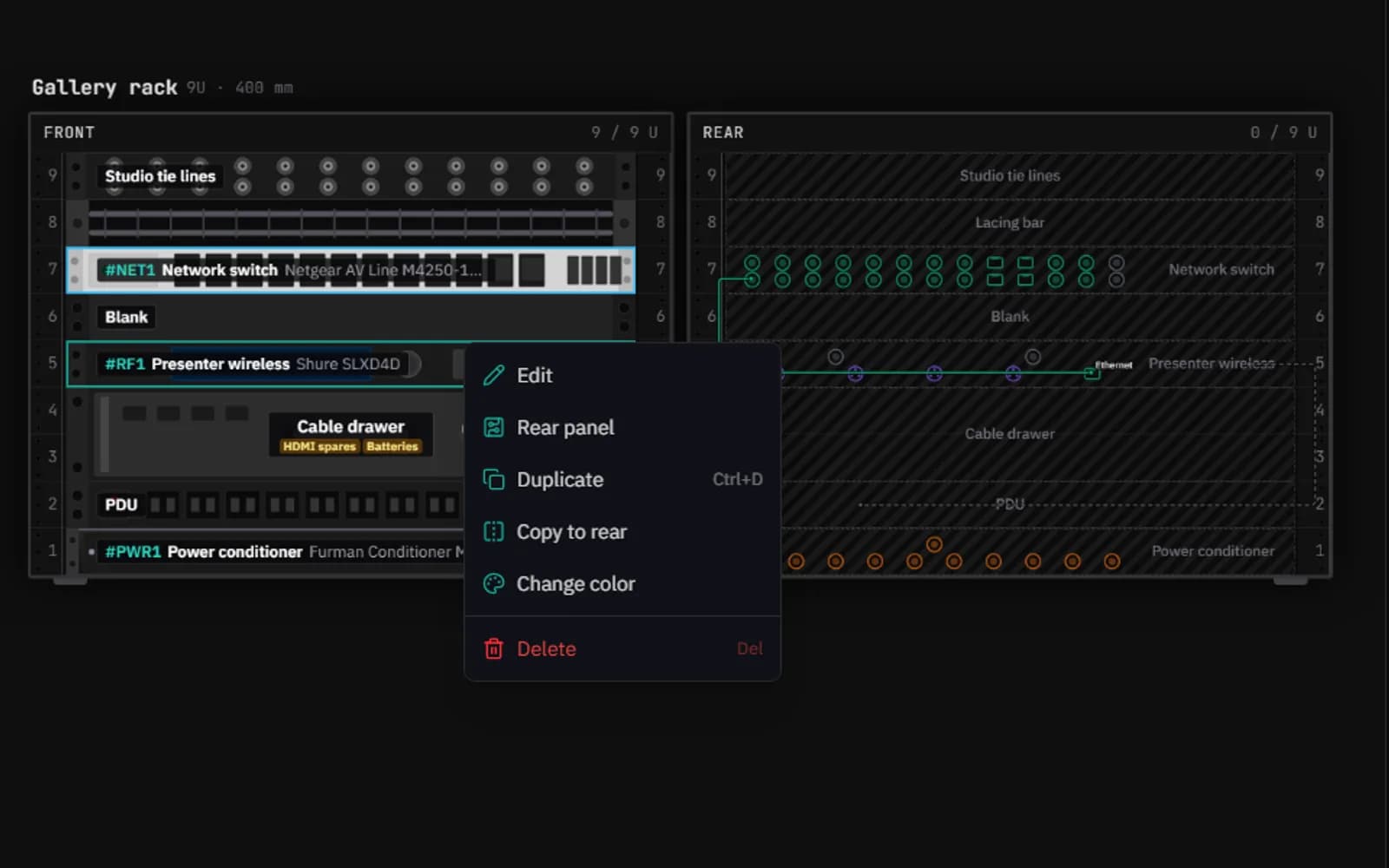
Right-click gear to edit it, duplicate it, copy it to the other face or add it to the diagram. Duplicate Rack copies a whole rack, and Details flags missing weight, power or depth with a link to fill it in.
Everything else
Everything in this release
All 12 changes in Patchify 2.11, from the release notes.
New Features
6- File ▸ Rack Drawings: a PDF per rack with front, rear and side elevations, the equipment schedule and a title block
- Side view in the rack builder shows each device's depth, and outlines front and rear gear that clash in red
- Racks in 3D show each device's faceplate and name
- Rack ▸ Fill Gaps with Blanks fills every empty unit, with a vent above gear that runs hot
- Rack ▸ Duplicate Rack copies a rack and its gear beside it
- Right-click gear in a rack to edit, duplicate, copy to the other face, add to the diagram or delete it
Improvements
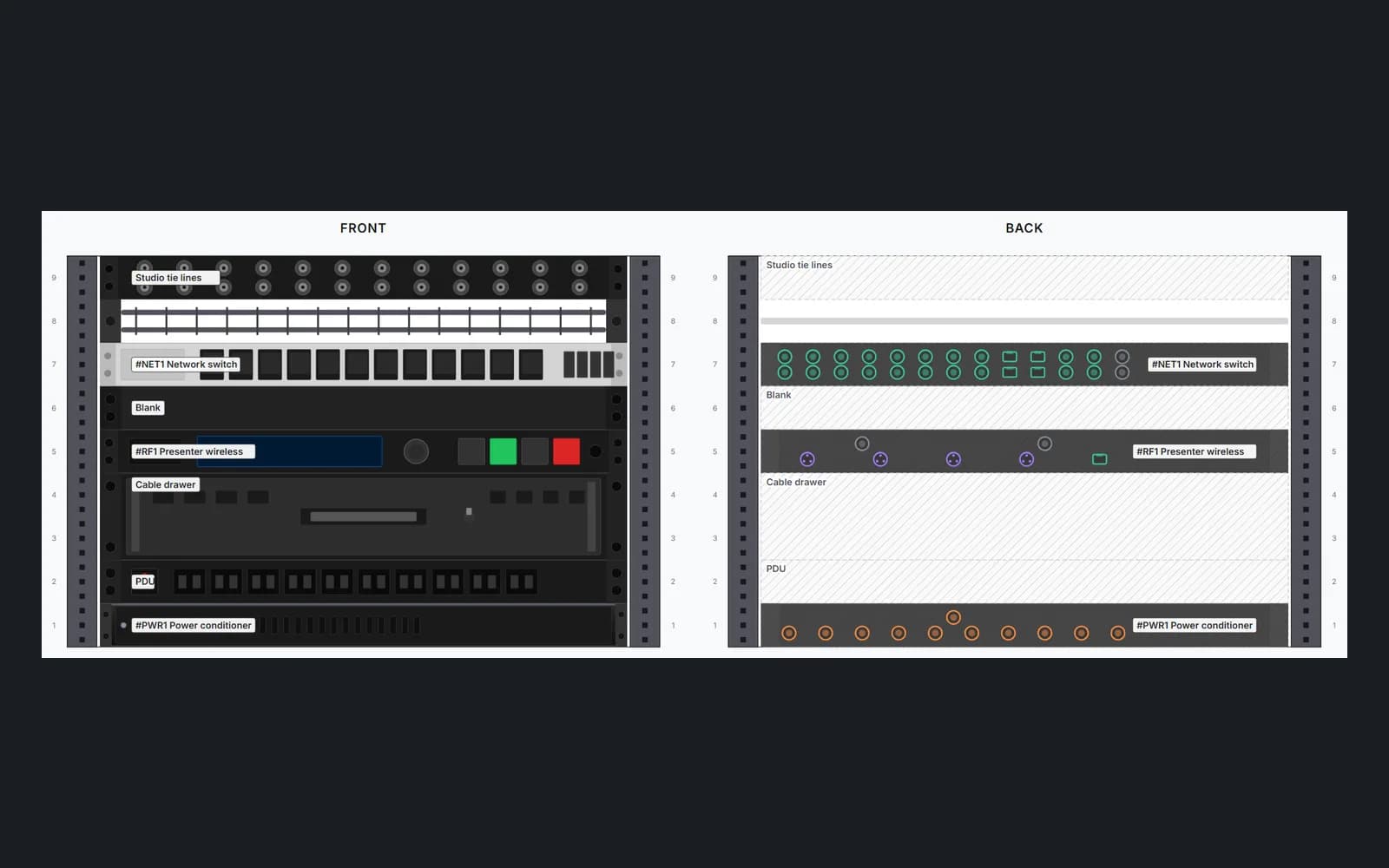
5- Rack pages in the Project Report and Rack Pack show the real faceplates, front and rear
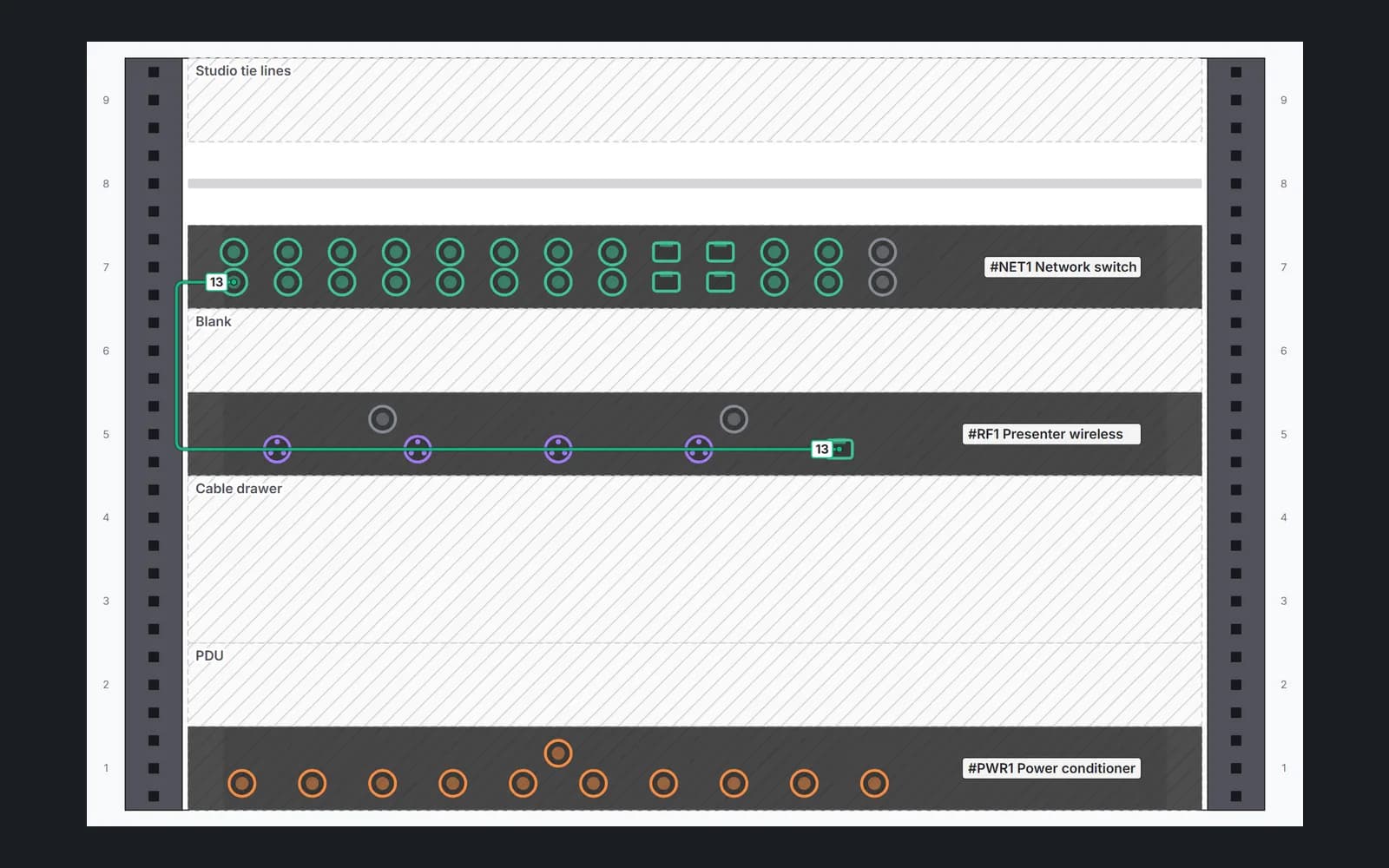
- The rear wiring sheet shows each device's sockets, with cables ending on them
- Name tags on rack gear show the gear number, name, make and model
- Details shows a device's missing weight, power or depth, one click from the editor
- The 3D rack view frames the rack to its size
Bug Fixes
1- In the 3D floor plan, R turns a box selection too, and tool keys no longer stop working after a drag ends outside the window