01 · Models
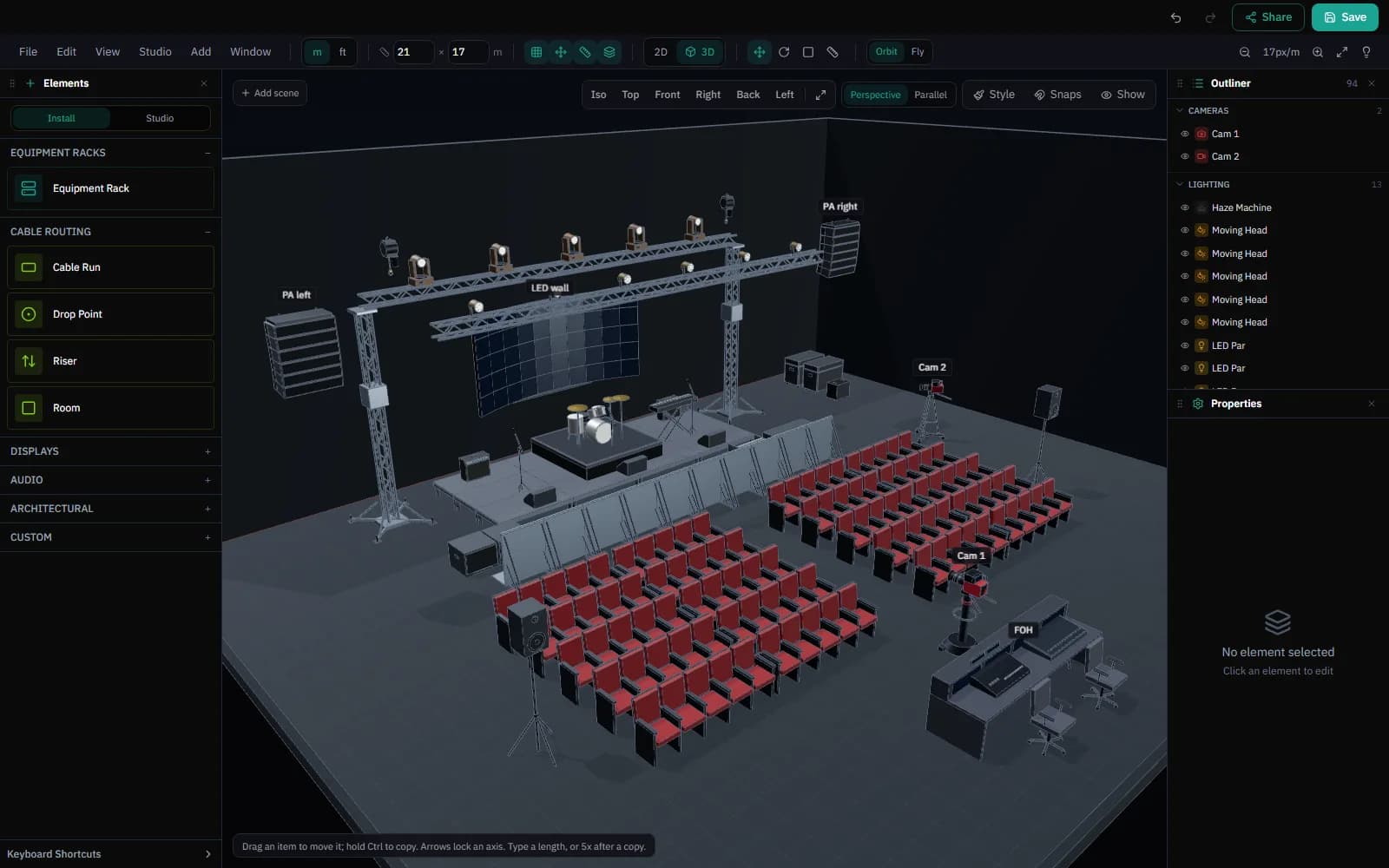
81 new models.
Lighting, truss and hoists, power, LED walls, speakers, backline, staging, seating and room fittings. Each has a 3D model sized from its dimensions and a CAD-style plan symbol.
02 · Copy
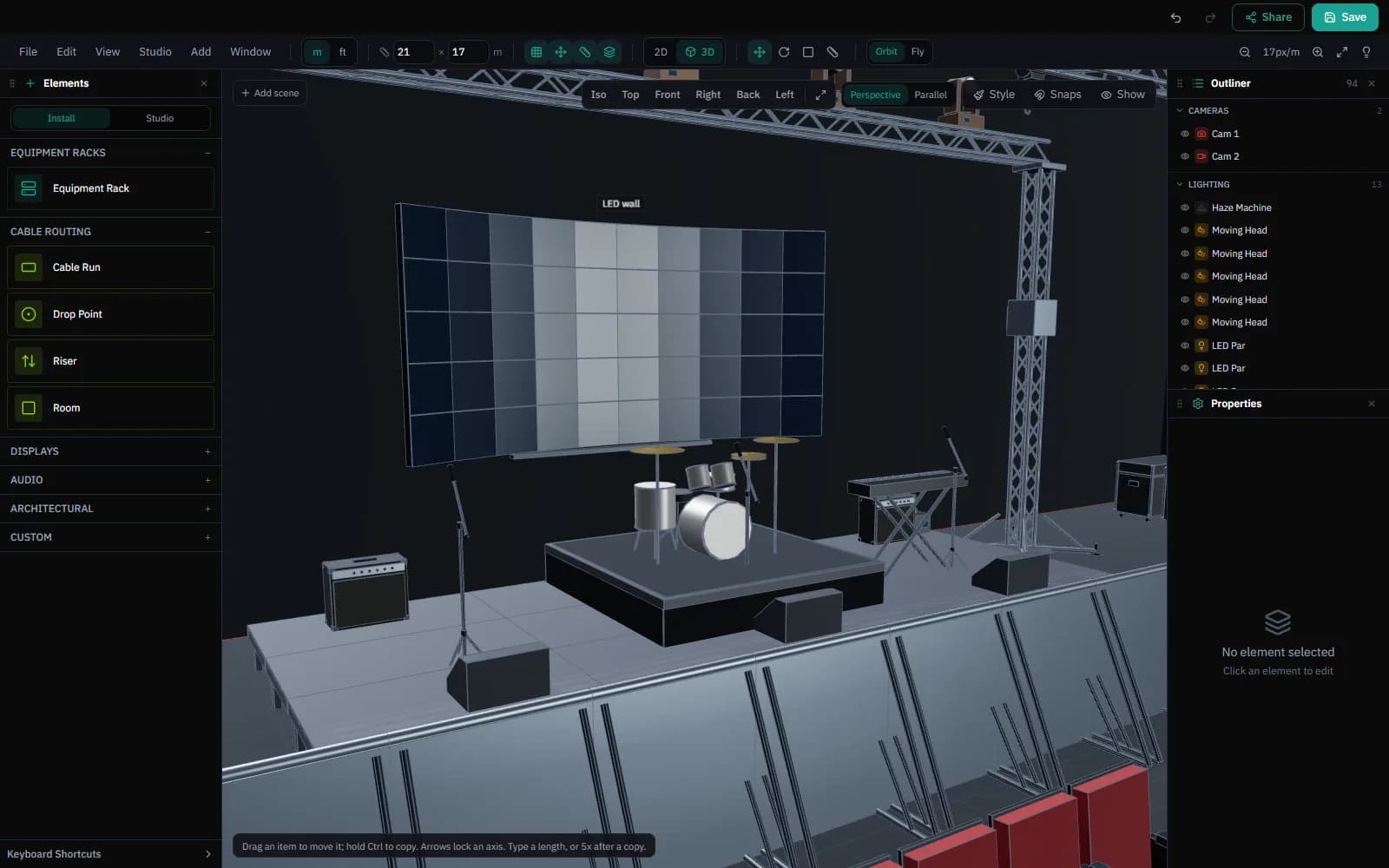
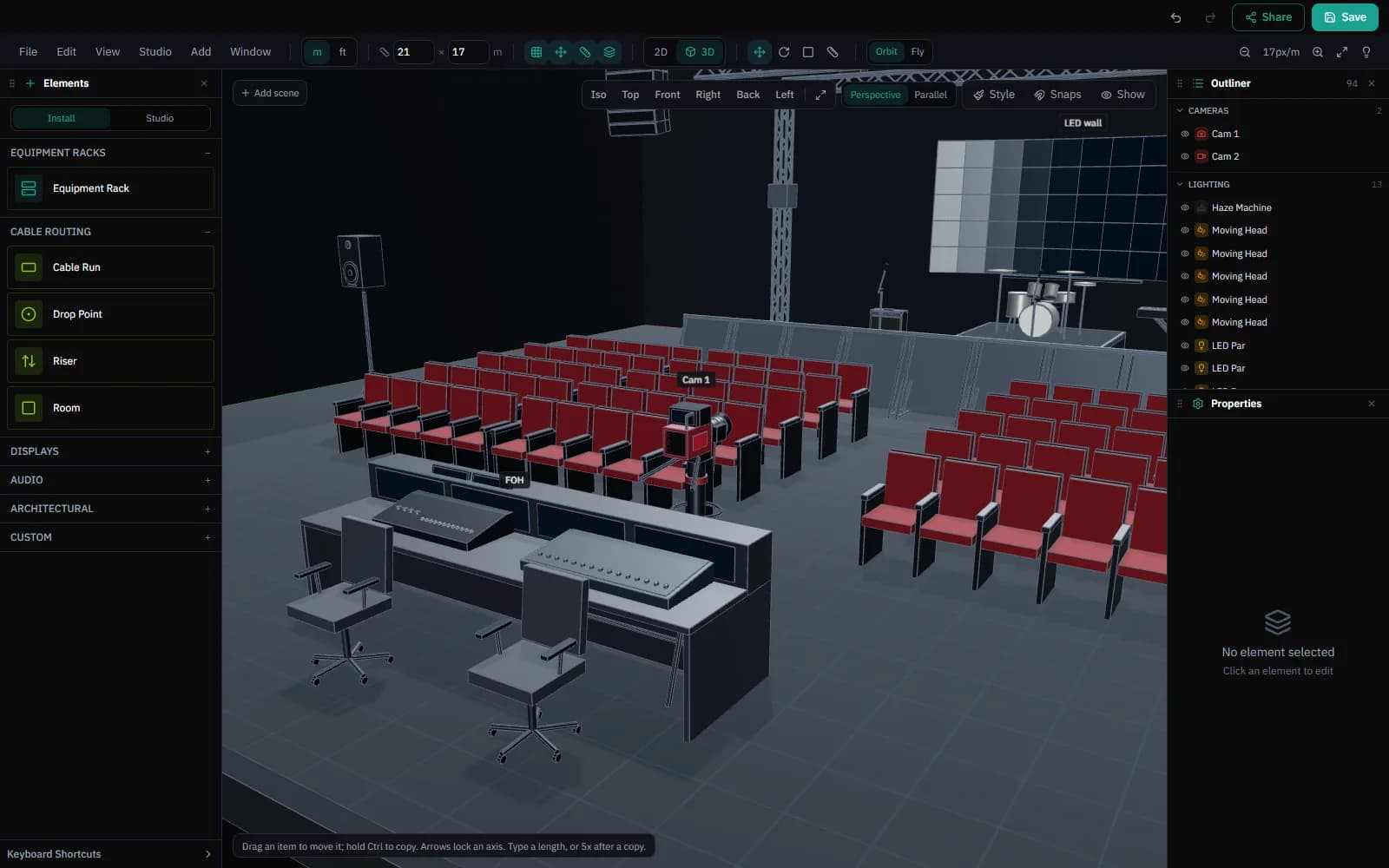
Copy in rows.
Hold Ctrl as you move something to drop a copy. Type 5x for five in a row, or /4 for four spaced evenly up to the copy.
03 · Move
Things land where they should.
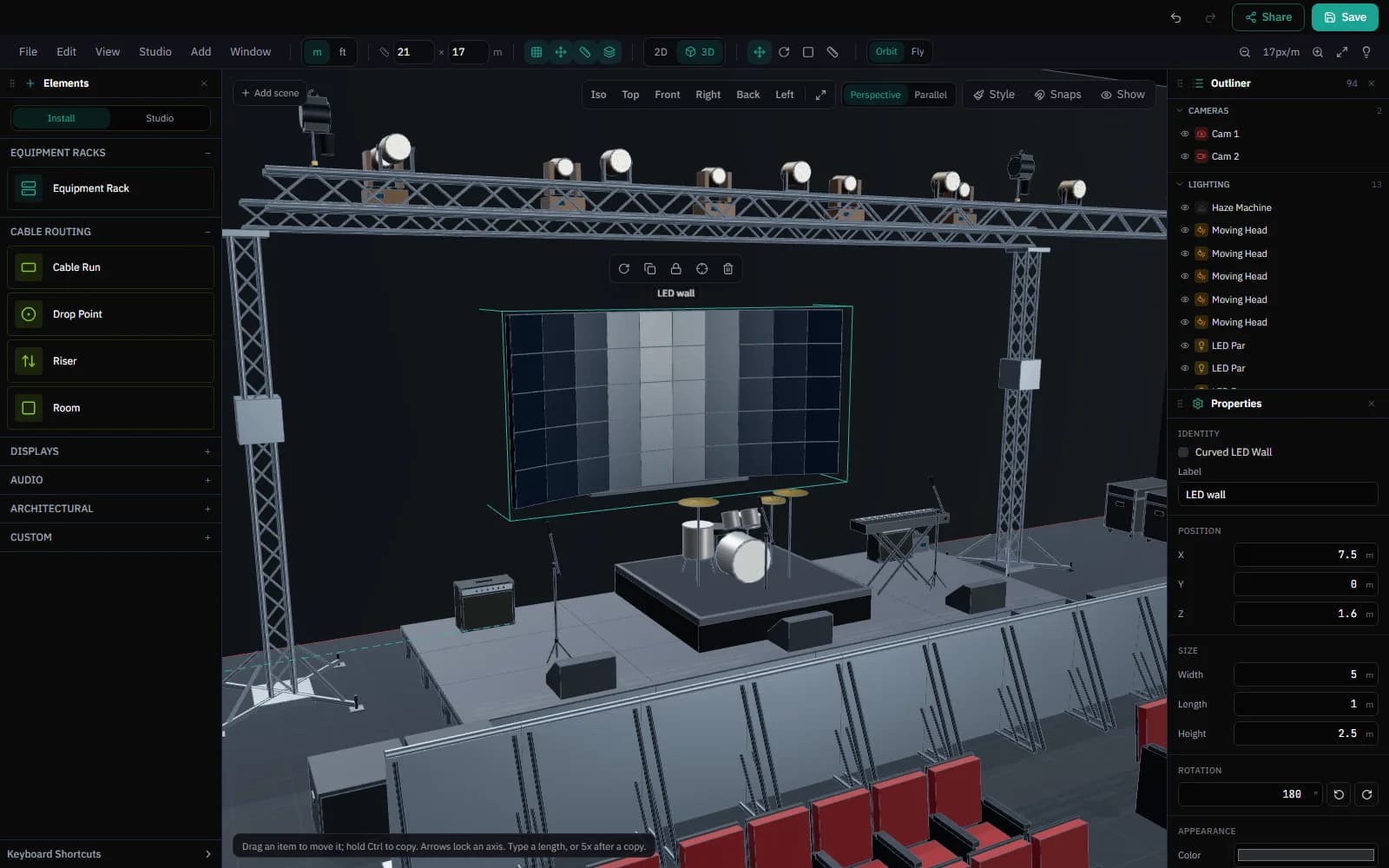
Drag an item and it snaps to ends, middles, centres and edges. It stands on whatever is below it, and wall-mounted kit goes flat on the nearest wall. The bar over the selection turns, duplicates, locks or deletes it.
04 · Views
Show the room your way.
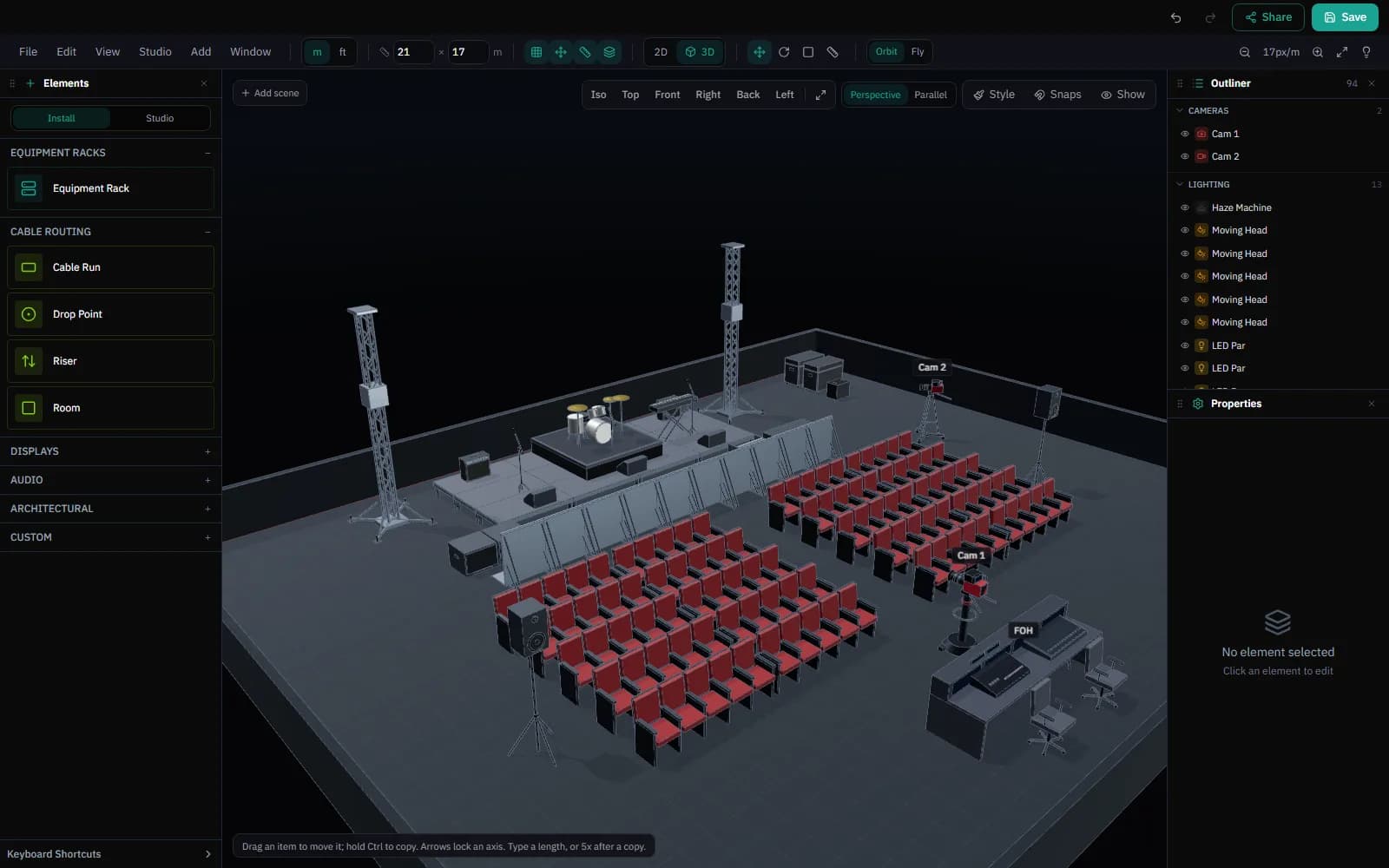
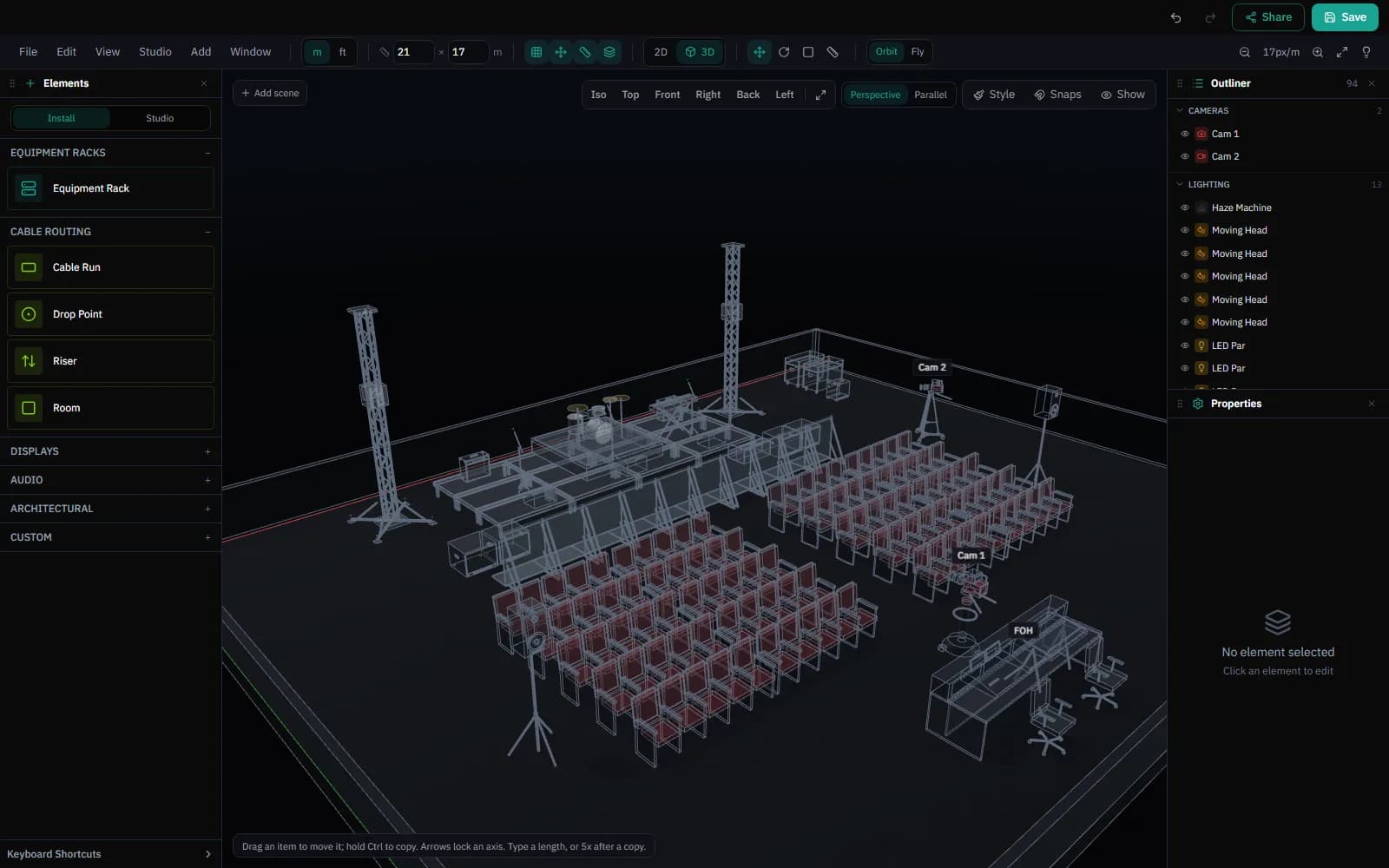
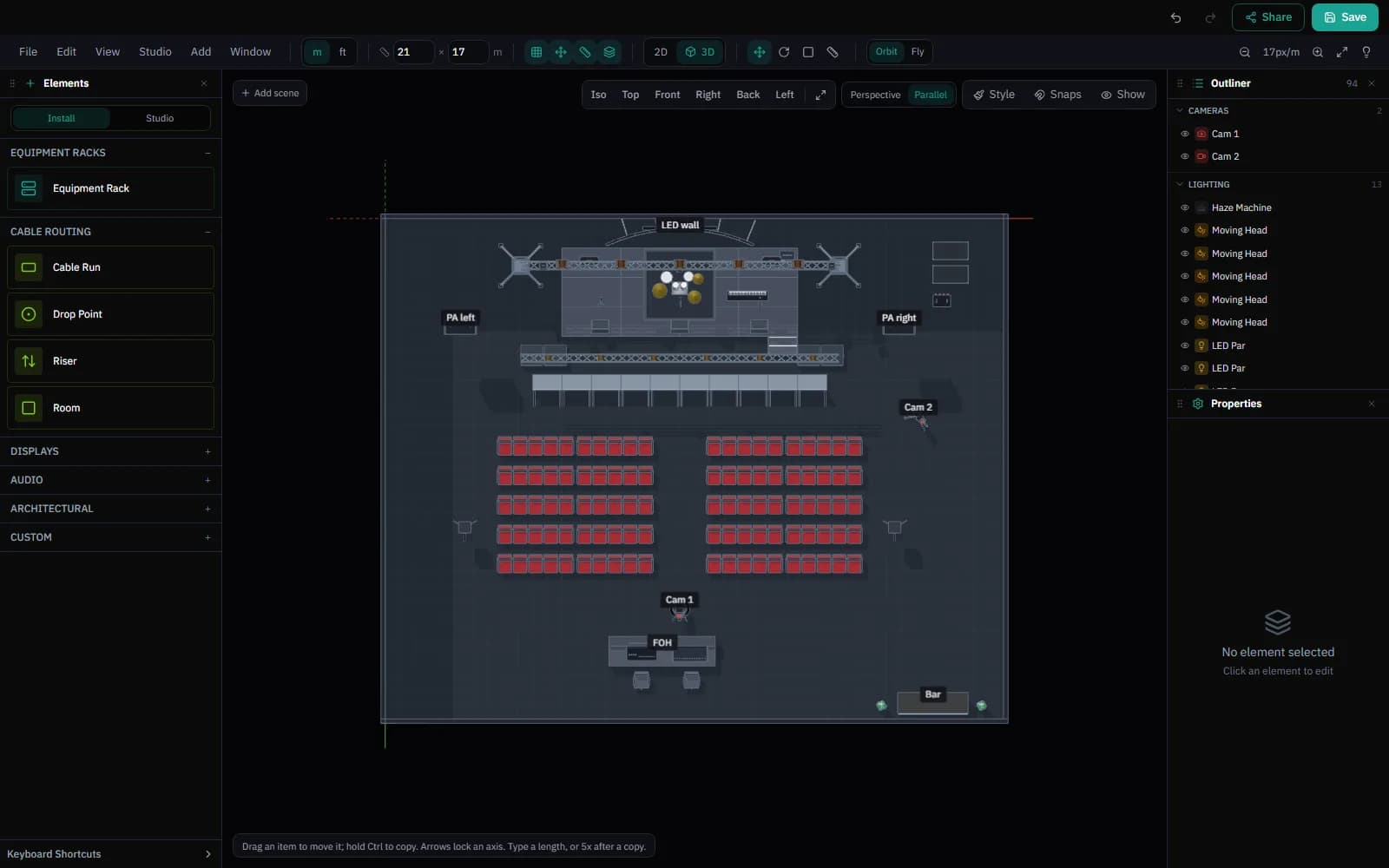
Walls nearest the camera cut away, or slice the room at a section height. Switch faces to Mono, X-ray or Wire, jump to standard views, and save scenes to come back to.
Everything else
Everything in this release
All 22 changes in Patchify 2.10, from the release notes.
New Features
15- 81 new floor plan items, each with a 3D model and a plan symbol: lighting, rigging, power, displays, audio, backline, staging, venue and room fittings
- Move things in 3D: drag an item and it snaps to ends, middles, centres and edges; arrows lock an axis, or type a distance
- Hold Ctrl while moving to copy, then type 5x for five in a row, or /4 for four spaced evenly up to where you dropped it
- Items stand on whatever is below them, and wall-mounted items go flat on the nearest wall
- A bar over the selection in 3D: turn, duplicate, lock, look at it or delete
- Standard views (Iso, Top, Front, Right, Back, Left) and a Parallel projection
- Cut away the walls nearest the camera, or slice the room at a section height
- Face styles: Shaded, Mono, X-ray and Wire, with edges and shadows
- Tape measure in 3D; Ctrl+Z undoes a measure
- Save scenes and click one to fly back to that view
- Upload a GLB or OBJ model to show in place of any item
- Choose Orbit or Fly controls for 3D, asked once
- Rack ▸ Add rack gear to diagram puts a rack's gear and panels on the cable diagram; a toolbar chip shows when some aren't there yet
- Connect 1 to 1 and Bulk patch work inside the rack's patch sheet
- Optional: add gear to the cable diagram as you rack it, from the Rack menu
Improvements
6- Cameras rebuilt in 3D: broadcast body, lens, viewfinder and a proper tripod, pedestal, jib and PTZ
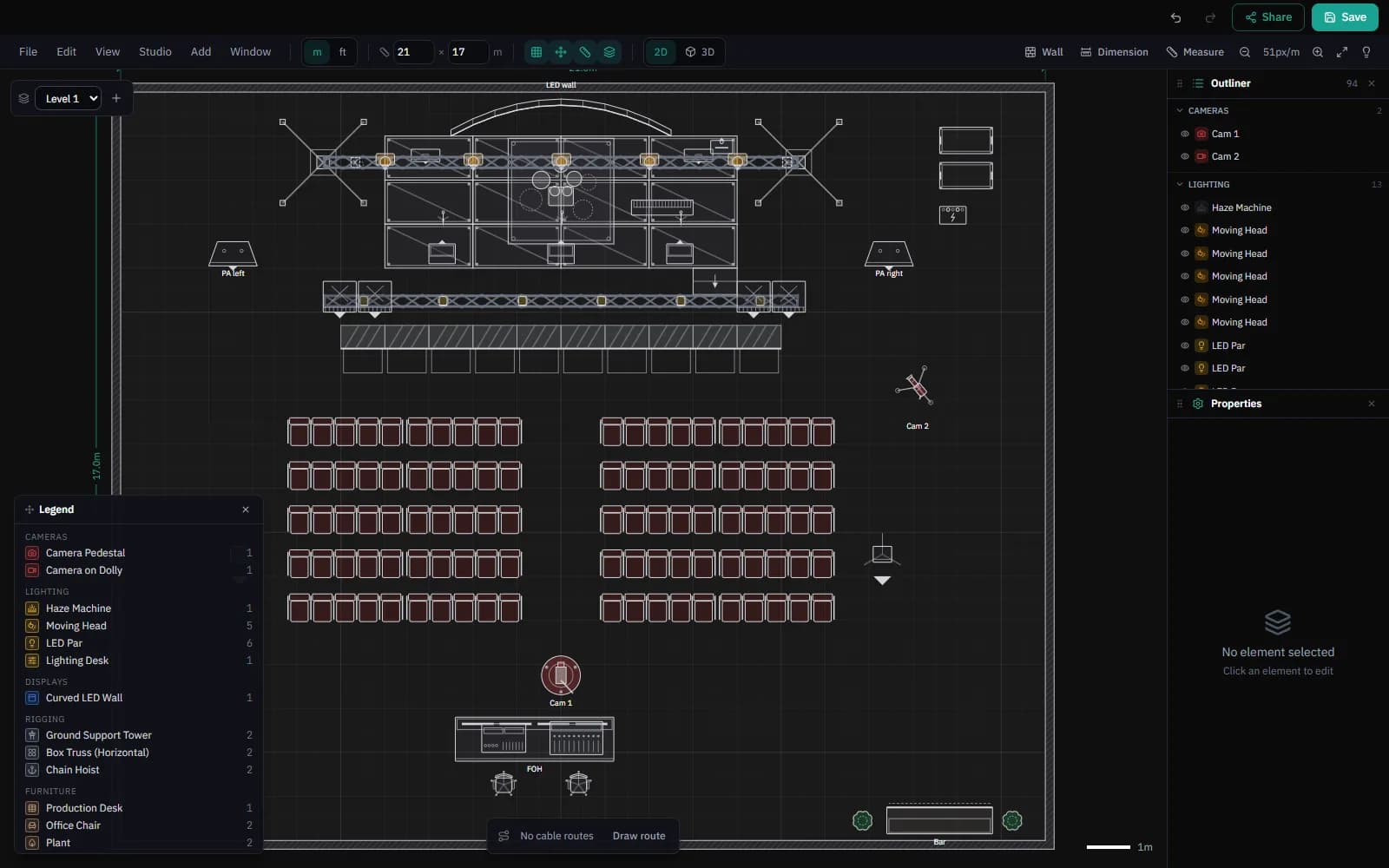
- Plan symbols for cameras, lights, monitors, speakers, stands and furniture are now CAD-style drawings
- Each element category has one icon colour in the list and the legend
- Double-click an item in 3D to look at it; middle double-click re-centres the view
- New Stage & Events, Power & Cabling and Backline categories
- BitFire BFtx signal on RJ45, Wireless Network and Wireless ports
Bug Fixes
1- Job Sheet settings showed raw labels for the Cut List and Pull Sheet toggles