Minorv1.19
Batch Connect, Undo/Redo & Quality of Life
New
- Batch connect - hold Shift while connecting to automatically wire all matching sequential ports
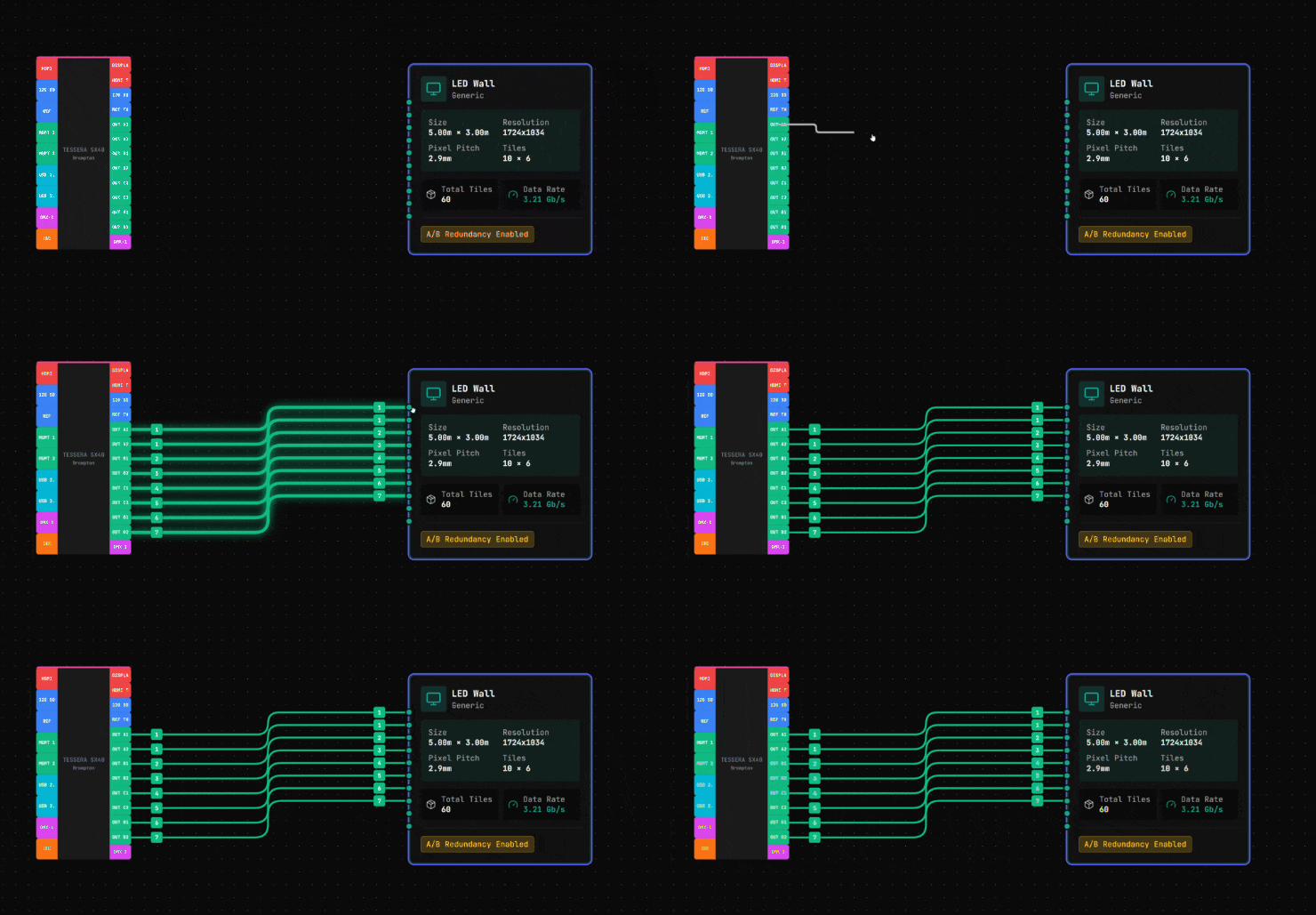
- Multi-input LED walls - LED walls now show multiple input ports based on required processing capacity
- LED wall redundancy indicator - A/B backup status visible on canvas
- Configurable processing settings for LED walls (bit depth, frame rate)
- Ctrl+click (Cmd+click on Mac) to quickly delete cables
- Text labels and zones now spawn at cursor position (press T or Z)
- Shift+click range selection for ports in gear builder (click first, shift+click last)
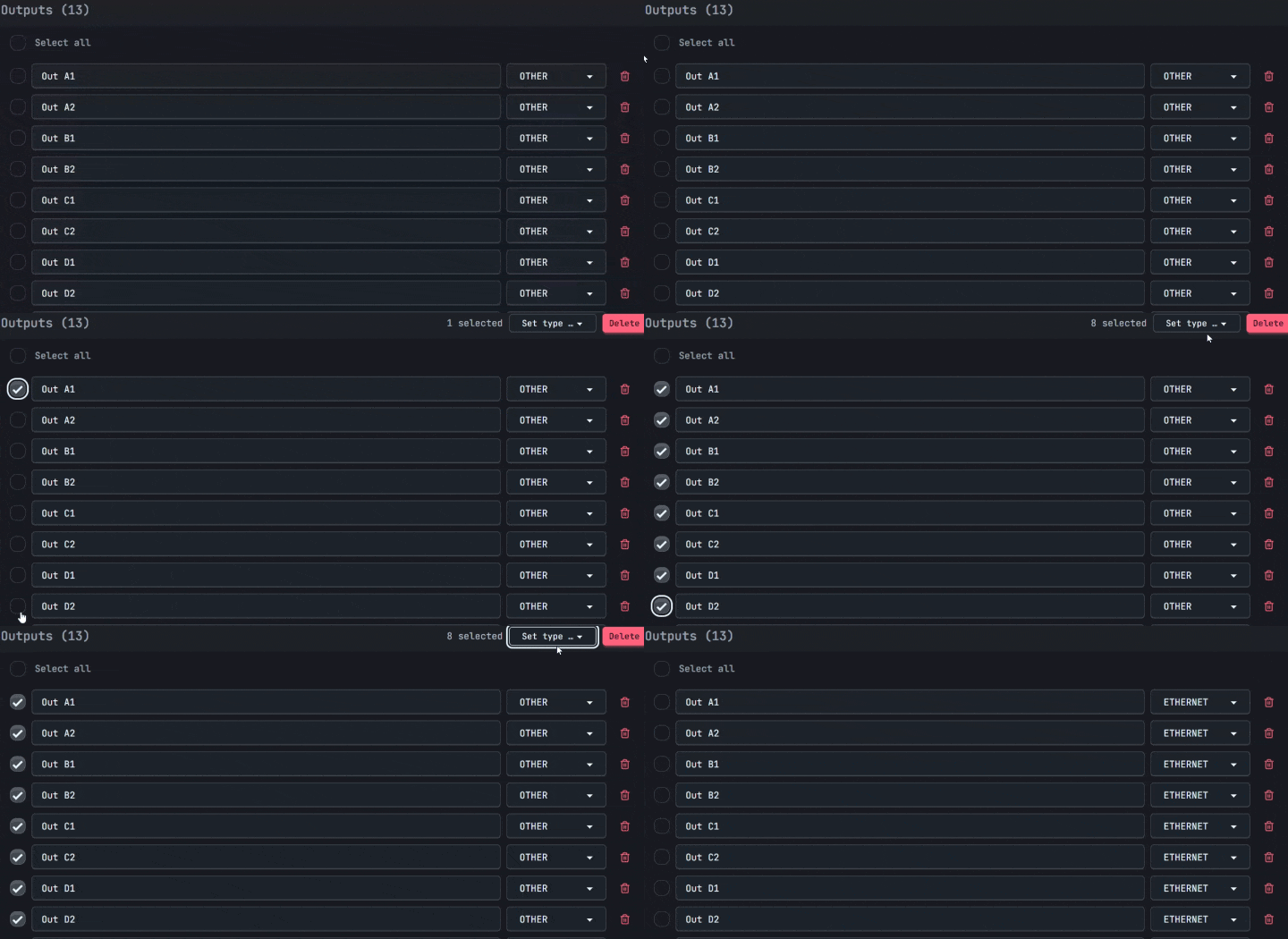
- Multi-select with Shift+click, copy with Ctrl+C, paste with Ctrl+V
Improved
- LED wall bandwidth calculations based on Brompton Tessera specifications
- LED wall preview in modal shows hatched tile pattern
- Patch panel connections work bidirectionally from either side
- Undo/redo system completely rewritten for reliability
- Auto-save interval increased to 60 seconds to reduce version history bloat
- Auto-save when switching between Canvas, Rack Builder, and Studio Layout tabs
- Auto-save when clicking back to Projects
- Custom port labels preserved when changing port type in gear builder
Fixed
- Fixed LED wall data not persisting when saving projects
- Fixed patch panel right-side connections not saving
- Fixed connection validation for LED walls accepting any output type
- Fixed undo/redo requiring multiple clicks to work
- Fixed redo button always appearing greyed out
- Fixed cable numbers turning off when disabling cable labels